
Start With a Clean, Dry Screen Before It Goes Away
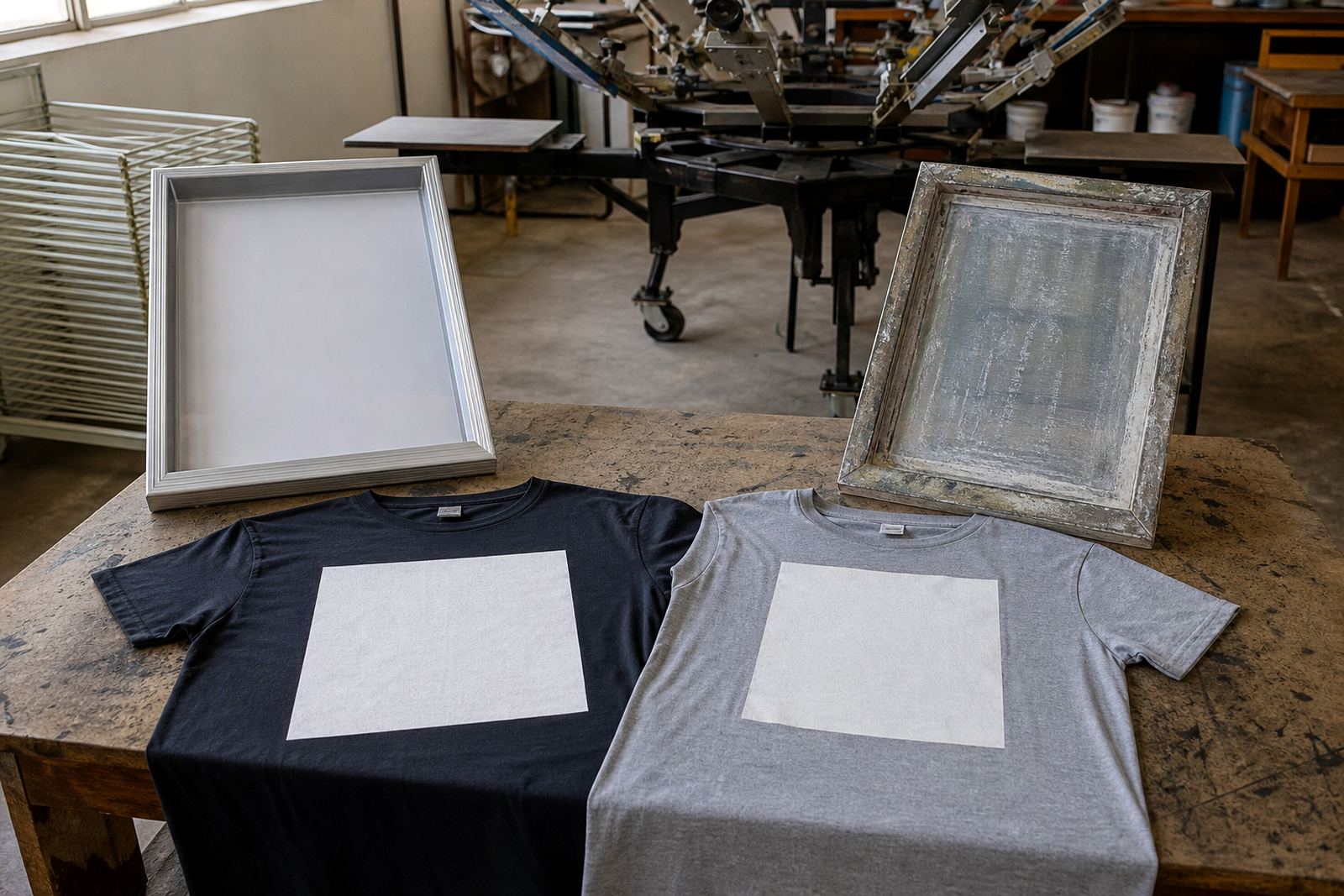
Never put a screen away with ink still in the mesh or adhesive on the frame. Leftover ink hardens, attracts dust and makes the next clean-up slower. If screens are stored dirty, the build-up can also hide small mesh damage until the frame is back in use, which is when delays become expensive.
After production, remove all ink, rinse the mesh properly and let the screen dry fully before stacking or hanging it. In humid areas like Durban or parts of Gqeberha, a screen that feels nearly dry can still hold enough moisture to cause odour, staining or weak spots around the edges. A few extra minutes of drying is worth it.
- Scrape off excess ink before washing
- Dry both sides of the mesh, not just one face
- Check corners and frame joins for trapped residue
- Store only when the screen is fully dry to the touch
Choose Storage That Matches Your Workshop Conditions
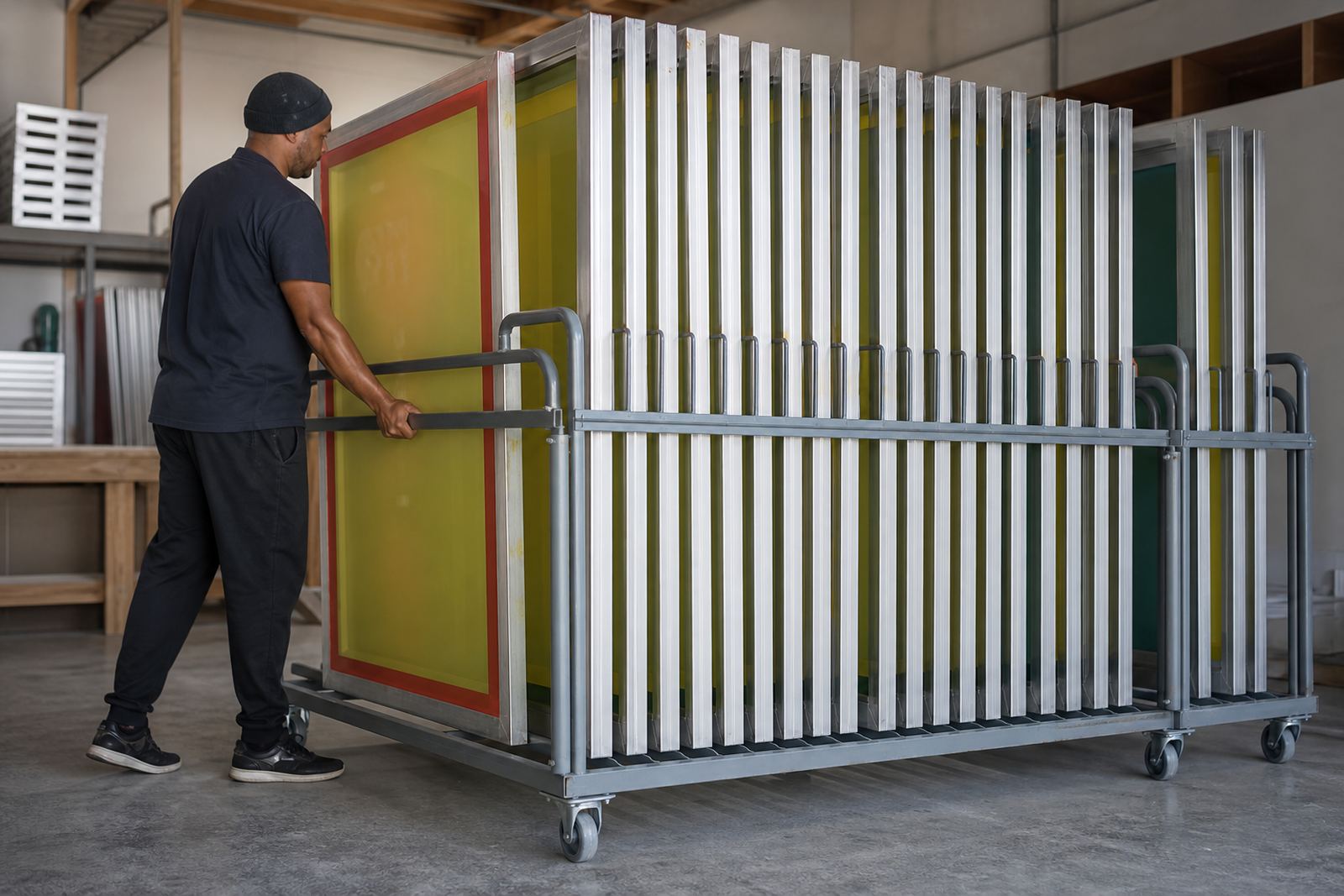
The best storage setup depends on space, airflow and how often screens move in and out of use. In a compact Maitland workshop, wall racks or vertical slots can keep screens off the floor and easy to sort. In larger rooms, numbered shelving or hanging rails help keep sizes separated and reduce handling damage.
Keep screens away from direct sun, open yard doors and wash bay overspray. Heat can soften some coatings and long exposure can warp lighter frames over time. In winter, coastal damp can creep into stored mesh if the room has poor ventilation, so a dry enclosed area is always safer than a passage or loading zone.
- Use racks that support the frame evenly
- Keep stored screens off concrete floors
- Separate new, urgent and retired screens clearly
- Avoid leaning screens against rough walls or pipes
Stacking Screens Without Damaging Tension
Many printers stack screens because it is quick, but careless stacking can bend frames and bruise the mesh. If screens are stored flat, place them so the load is spread evenly and never leave heavy bundles on top of one another for long periods. A screen that sits under pressure for weeks may still look fine, but print quality can slip once it is back on press.
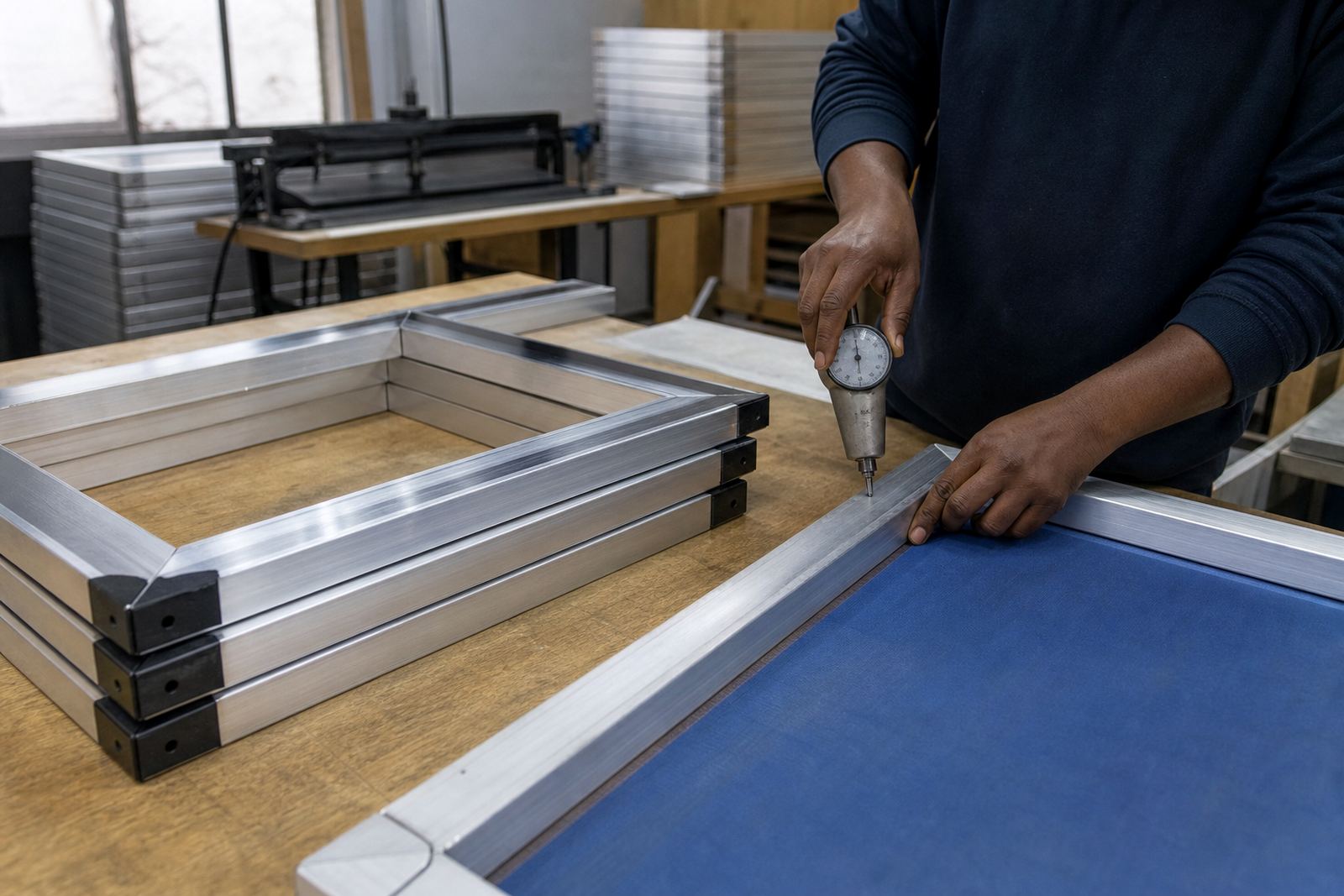
Keep similar sizes together and use soft spacers where possible. Do not mix very large frames with small ones in the same pile, because the uneven edges create pressure points. If a screen has already been stretched to a specific tension for garment work, treat it like a precision tool rather than a spare bit of stock. That small change in thinking helps a lot.
- Group screens by size and mesh count
- Use separators between stacked frames
- Do not place heavy items on top of screens
- Move screens with two hands so corners do not chip
Protect Screens From Dust, Rust and Workshop Contamination
Dust is one of the biggest causes of avoidable rework in screen printing. It settles on mesh, gets into adhesive edges and can lead to pinholes or patchy prints. A screen stored near sanding, grinding or cardboard cutting areas picks up fine particles very fast, especially in busy industrial spaces.
Keep a separate storage area if possible and close covers or doors when screens are not in use. Aluminium itself does not rust, but fittings, fasteners and nearby metal shelving can still corrode in damp conditions. If the workshop is in a coastal part of Cape Town, wipe down rack surfaces regularly and check for salt exposure. It only takes a little neglect to turn a clean screen into a problem job.
Use a Simple Rotation System for Active and Idle Screens
When screens are not labelled, the same few frames get used again and again while others sit untouched. That leads to uneven wear and forgotten stock. A simple rotation system helps the whole set stay production-ready, especially when you are handling repeat orders, short runs and urgent turnaround jobs at the same time.
Mark screens by size, mesh type, job number or colour use, then keep active screens separate from idle stock. If a screen has been cleaned but is not needed for the next few days, hang it where it can breathe rather than tucking it into a packed corner. This makes inspections quicker and helps the team spot faults before the next print run starts.
- Label screens clearly after each job
- Keep a section for screens needing repair or restretching
- Review idle stock every few weeks
- Remove any screen with loose mesh, damaged corners or warped edges
A Practical Cape Town Example: Storage That Saves Time Later
We often see the difference storage makes when printers collect screens from Maitland and take them into busy production weeks across Cape Town, Bellville and Paarl. A shop that stores screens dry, separated and off the floor can usually get back to work faster, with fewer surprises at setup. A shop that leaves them piled in a corner often loses time to dusting, tension checks and repairs before the first garment is printed.
That same habit matters on bigger routes too. If screens are going out to Johannesburg, Durban, Pretoria or Gqeberha, they need to travel in a way that keeps corners safe and mesh protected. Good storage before dispatch, and careful handling on return, keeps the screen in better shape and reduces the chance of needing emergency repairs when orders are already late.
The basic rule is simple: if a screen is worth stretching properly, it is worth storing properly as well. A few small habits now can save a lot of waste later.