
Clear the ink before it hardens
The best time to clean a screen is as soon as the print run ends. Once ink dries in the mesh, it takes more scrubbing, more chemicals and more time. That matters in a busy Maitland workshop or a home garage in Paarl where the next job may start the same afternoon.
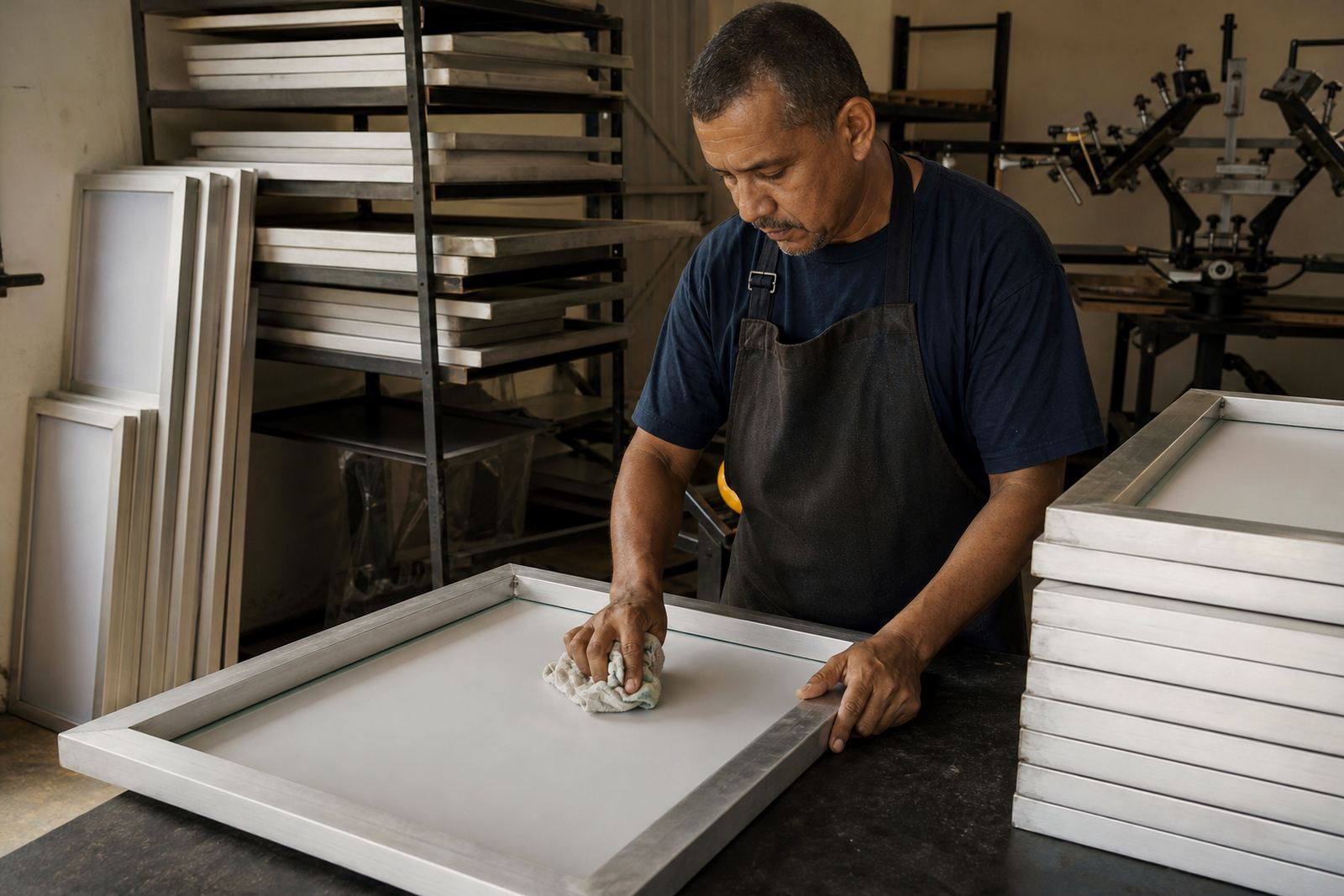
Start by removing excess ink from the screen carefully, then clean both sides straight away. Pay attention to the image area, the frame edges and the corners where ink often sits unnoticed. A quick rinse and proper wipe now is far easier than dealing with stained mesh later, and it helps keep the frame itself in better condition.
- Do not let wet ink sit on the frame overnight.
- Wipe the frame edges before stacking screens.
- Check corners for dried residue after every run.
- Use the right cleaning method for the ink type you are working with.
Handle frames by the sides, not the mesh
Mesh tension can be ruined by rough handling between jobs. Lifting a screen by the mesh, leaning it against a wall at an angle, or dropping it onto a bench can all affect the stretch. Even a small knock can throw off registration on the next print run.
Keep a simple handling rule in the workshop: always carry the frame by the sides, and never place weight on the print area. If screens are being moved between stations, make sure they are held flat and not wedged under other tools. In humid coastal areas like Cape Town and Gqeberha, careful handling matters even more because moisture can affect storage and cleaning dry times.
- Use two hands when moving larger frames.
- Never rest heavy items on top of screens.
- Do not drag frames across rough surfaces.
- Set down screens on clean, level supports only.
Store screens where heat and moisture will not sit on them
Storage makes a bigger difference than many printers expect. If screens are left in a damp corner, near a hot window, or in a room with dust from cutting and packing, they pick up grime fast. That dirt ends up on the next garment before the first print even starts.
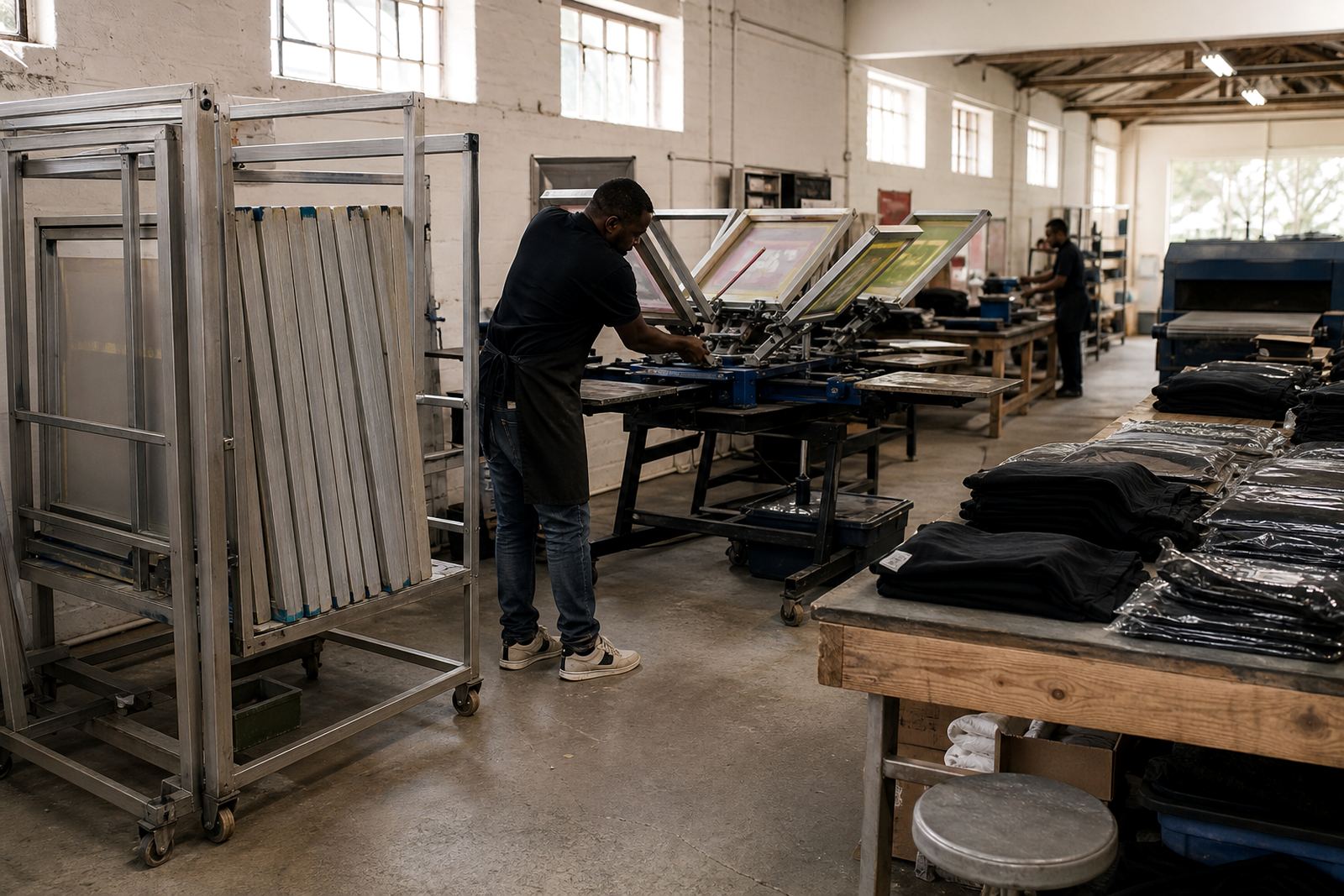
Store screens upright or flat in a clean, dry area with enough space so the mesh does not touch anything. In Johannesburg and Pretoria, where indoor dust is a common problem, a covered storage rack helps. In Durban, where humidity can be high, make sure screens are fully dry before they are put away. A frame that looks clean can still hold moisture in the mesh if it was packed too soon.
- Keep screens away from floor damp and splash zones.
- Do not store wet screens in sealed bags.
- Separate clean screens from used ones.
- Label screens by size or job type for easier sorting.
Check tension and frame condition before the next run
Between jobs is the right time to inspect. A screen that has started to lose tension may still print once or twice, but the results soon become uneven. Looking at the frame before the next order helps you catch small problems early, before they become a rush job or a wasted batch of garments.
Run a quick visual check for loose mesh, pulled corners, cracked adhesive lines and bent edges. If the frame has been cleaned hard or bumped during transport, inspect it again. Many printers in South Africa work with mixed orders and short turnaround times, so it helps to know whether a screen is ready for another run or should be restretched first.
- Look for mesh that sounds dull when tapped lightly.
- Check for lifted adhesive around the edges.
- Inspect the frame for dents or twists.
- Test whether the screen sits square on the table.
Remove ghosting before it becomes a habit
Ghost images and faint ink stains are easy to ignore until they start affecting new designs. Small traces from the previous job can show through on lighter garments or create unwanted marks in the print area. Regular cleaning between jobs helps prevent that build-up.
If a screen has been used for several runs, give it a proper inspection and clean even if it still looks passable at a glance. Pay special attention to detailed artwork, halftones and fine lettering where leftover residue can hide in the mesh. A clean screen is not only neater, it is easier to reclaim for the next job, which saves time when orders come in back to back.
For printers handling schoolwear, workwear and promotional garments, this step matters because each order may need a different level of detail. A screen that was rushed back into storage can end up holding traces from the previous print and that is avoidable with a few extra minutes.
Build a routine your whole team can follow
Good screen care works best when everyone follows the same routine. If one person cleans properly but another stacks wet screens or leaves ink in the corners, the whole system breaks down. A short checklist on the workshop wall can save a lot of time and reduce avoidable damage.
In a busy shop, especially when collections and deliveries are moving between Maitland, Bellville and the surrounding routes, it helps to keep the routine simple. The goal is not perfection, just consistency. Once your team knows the order of cleaning, checking and storing, the screens stay in better shape and jobs move faster. Small habits make a real differnce over a few months.
- Clean screens as part of the job close-out.
- Inspect frames before they go into storage.
- Keep a record of screens that need restretching.
- Set one person to sign off on storage each day.