
Plan screen capacity before the rush starts
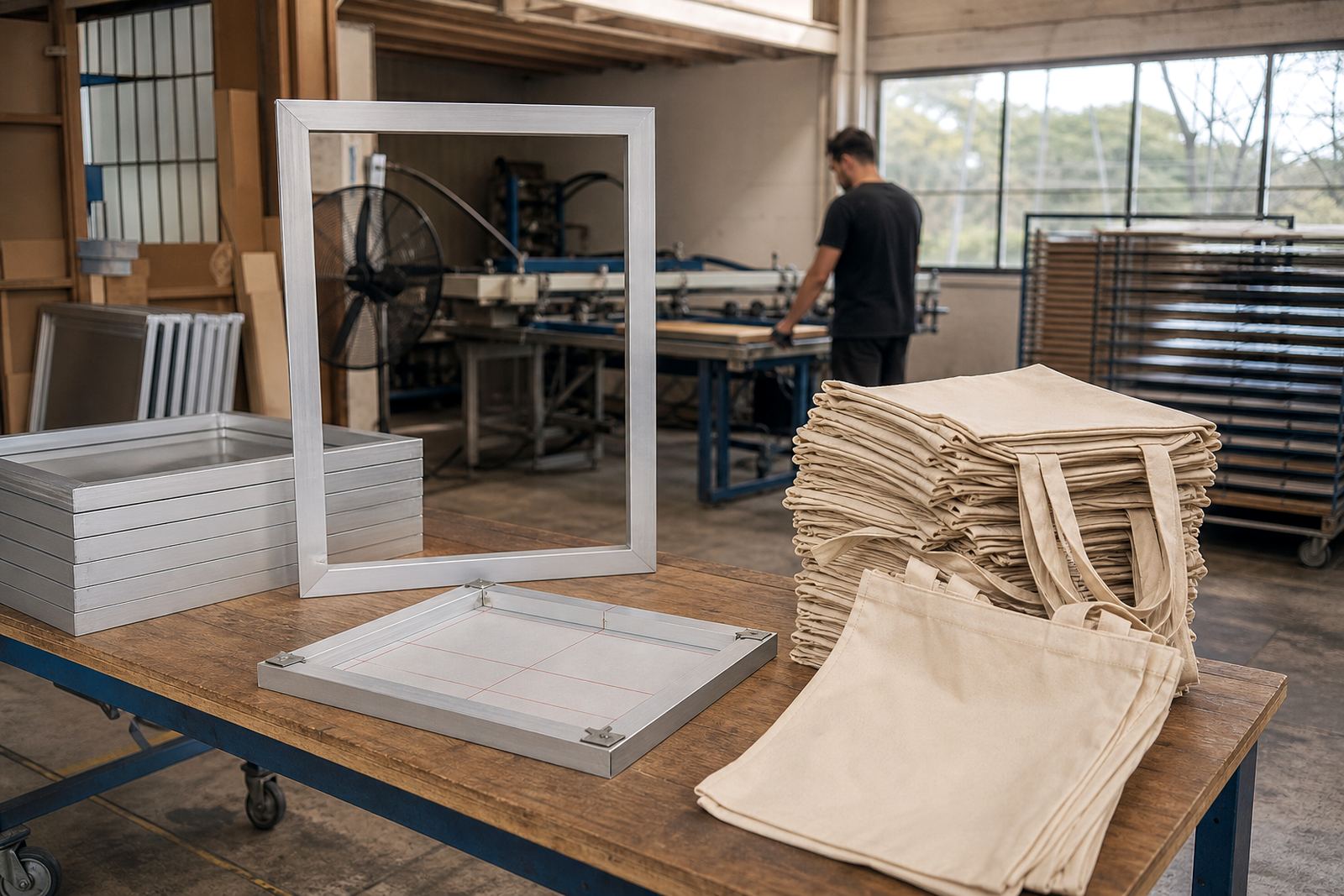
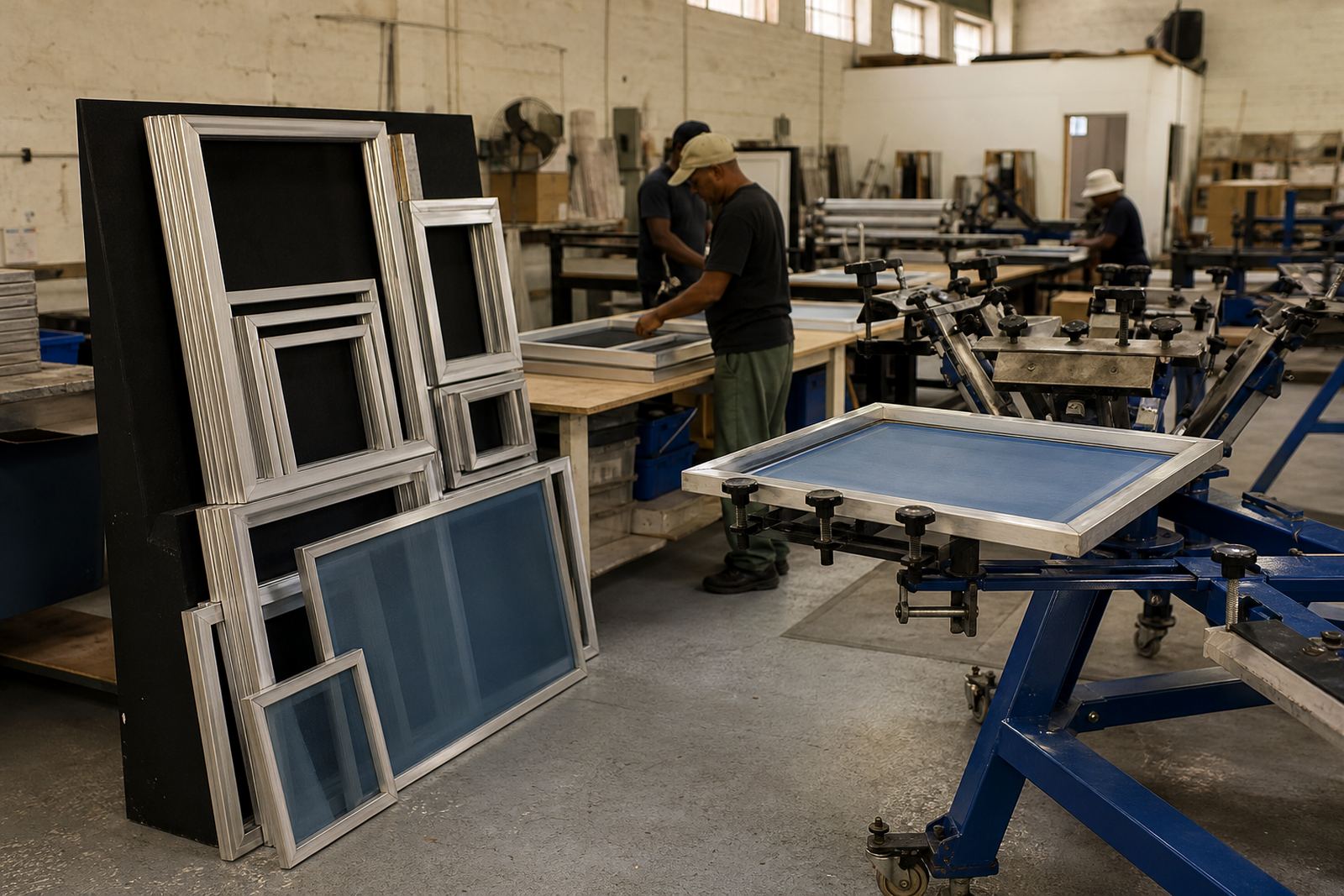
The fastest way to lose time is to run short on usable screens in the middle of an order. Before a busy week starts, count how many screens are in circulation, how many are in wash-up, and how many are sitting with damaged mesh or loose corners. That gives you a clear picture of what is ready for work and what is not.
Many small shops only discover a shortage when a job lands on the table and the artwork is already approved. By then the team is forced to rush one frame, share screens between jobs or print with worn mesh. A better habit is to keep a simple screen register. Note the size, mesh type, job history and condition. It takes a few minutes and saves a lot of panic later.
- Separate screens by use: fine detail, solids and general purpose.
- Mark damaged frames immediately so they do not go back into circulation.
- Keep a buffer for urgent orders, especially before month end and holiday periods.
- Plan extra capacity for bigger runs from schools, promo work and corporate apparel.
Handle screens properly after every run
Most screen failures start with rough handling, not with the print itself. If a screen is dropped, stacked badly or left with dried ink on the edge, it starts to lose tension and square alignment. That leads to poor contact with the garment and more time spent adjusting registration.
After each run, remove excess ink straight away and clean the frame edges before storage. Do not leave wet screens leaning against a wall where they can twist. Keep them flat or on a proper rack. In coastal areas like Maitland and Durban, humidity can make drying slower, so allow enough time before stacking. If screens go back into storage still damp, the mesh and adhesive both suffer.
- Use one cleaning routine after every job, not only when the screen looks dirty.
- Keep solvents and cleaners suited to the mesh and frame material.
- Never stack wet screens tightly together.
- Check for frame bends after transport or rough loading.
Watch mesh tension before it costs you a job
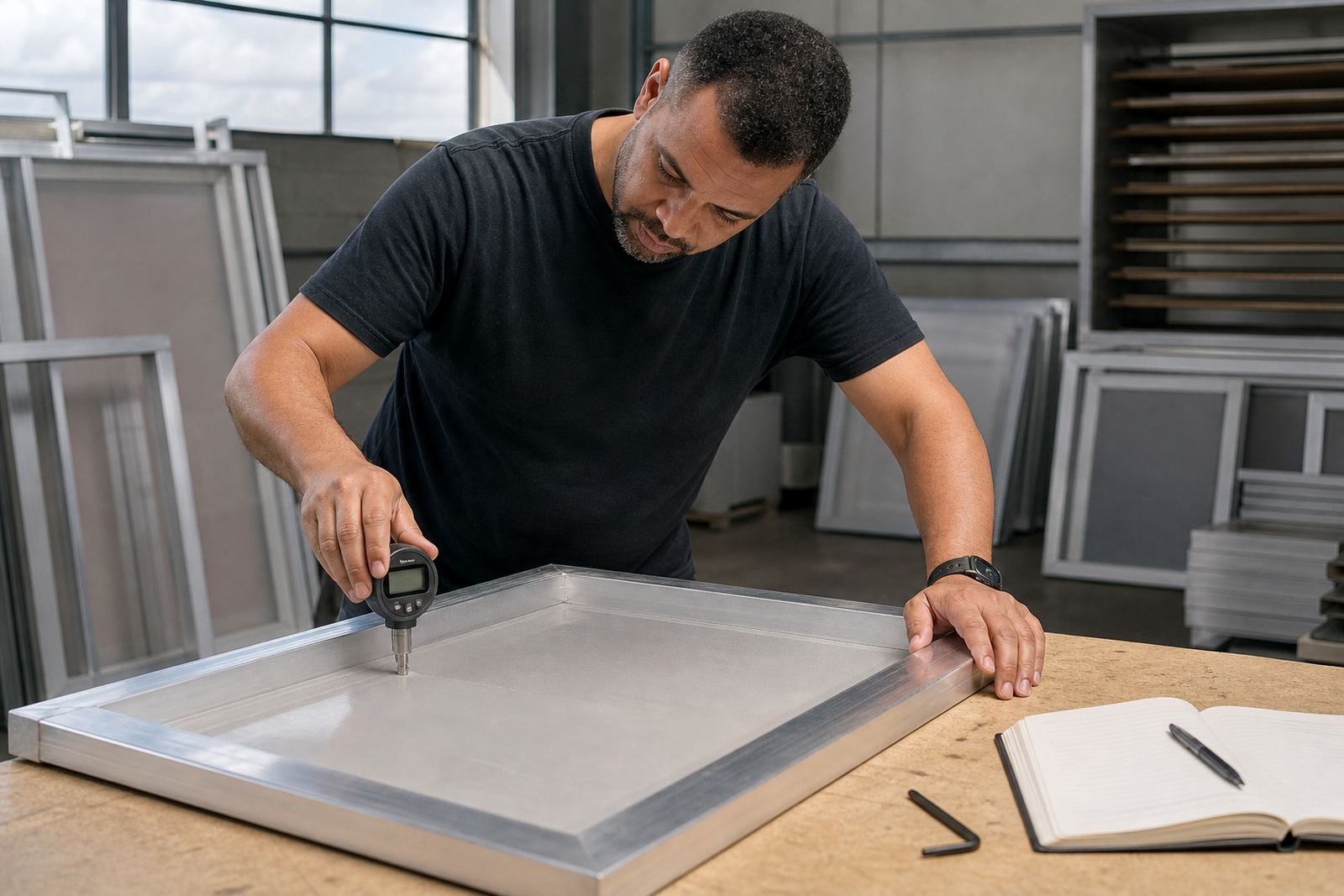
Low tension is one of the most common reasons for slow production. The print may look fine on the first few pulls, then start to blur or flood as pressure changes. That means more test prints, more waste and slower output. A quick tension check before each job helps catch this early.
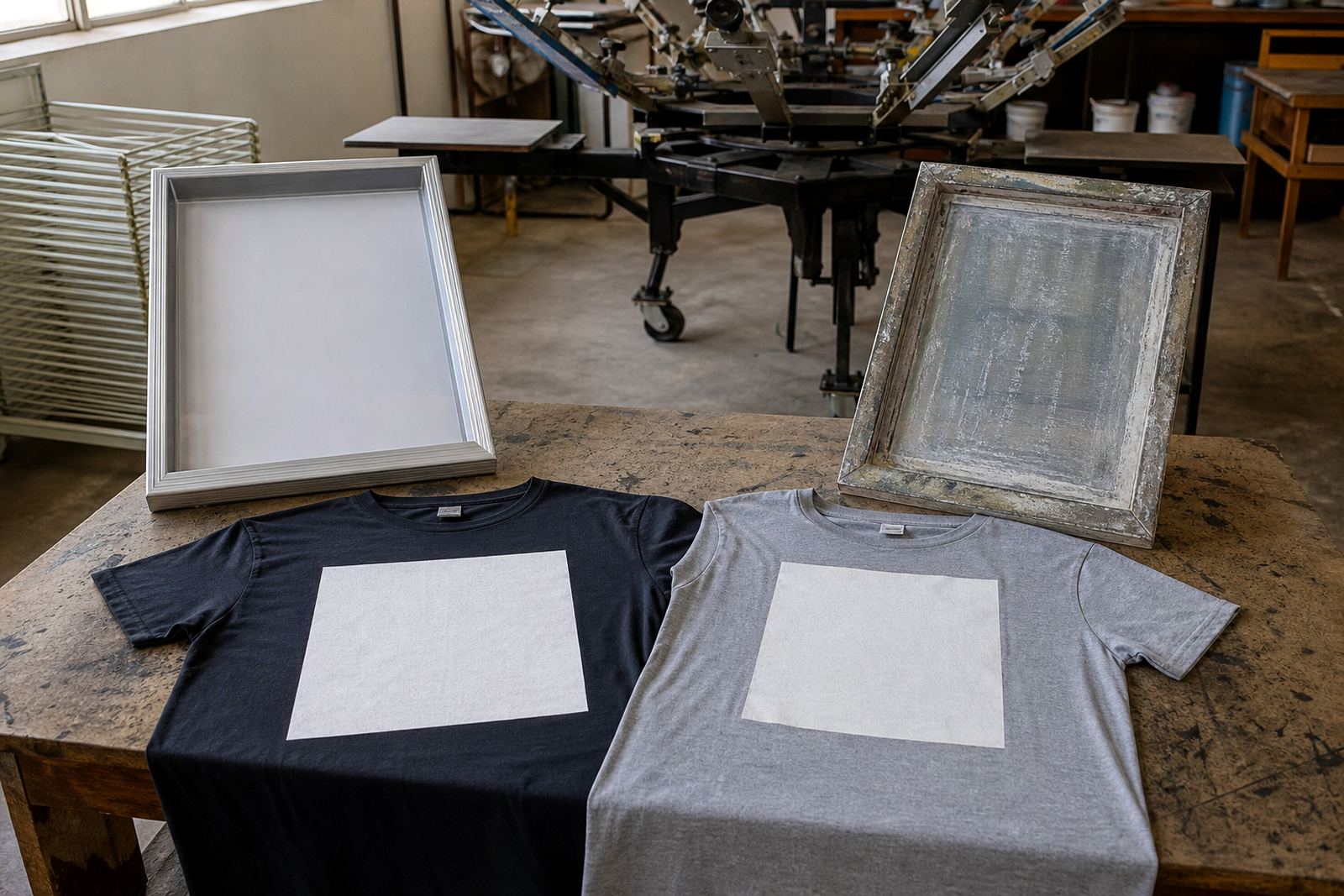
If a screen has been stored for some time, or used on a heavy run, test it before it goes onto the press. Fine detail artwork and halftones need good tension to hold registration. For garment printers working on dark cotton or mixed fabric orders, a tired screen can mean rework on every garment. In our Cape Town workshop we often see frames that could have lasted longer if the mesh had been checked early instead of after the print started failing.
- Inspect tension before long runs and before high detail work.
- Keep a note of screens that have already done heavy volume.
- Restretch or replace weak mesh before it affects the press schedule.
- Match the screen condition to the job, not just the frame size.
Keep a small emergency screen plan
Urgent orders happen. A sports team may need kits by Friday, a brand activation may shift dates, or a school may add sizes at the last minute. When that happens, the printer with a small emergency plan keeps moving while everyone else scrambles for frames. The plan does not need to be fancy, just clear.
Keep a set of commonly used sizes ready, along with a process for pickup and return if a screen needs to move quickly between workshop and press. If your team knows who checks the frame, who approves it and where it is stored, you avoid delays. It also helps to know which screens can be turned around urgently and which ones need more careful work.
- Set aside backup screens for repeat jobs and common garment sizes.
- Keep contact details for collections and deliveries up to date.
- Have a simple sign-off process for screens that return from a job.
- Use one person to confirm what is ready for the next press run.
Treat frame condition as part of production, not an afterthought
Aluminium frames are durable, but they still need checks. Corners can loosen, adhesive can fail, and a frame can pick up dents during transport. If the frame is not square, the screen will not sit properly on the press. That slows setup and can create repeat alignment issues through the full run.
Before a busy week, inspect the frame for warping, loose joints and build-up from old adhesive. A clean frame is easier to stretch and gives more consistent results. This matters even more when you are printing across different towns and the screens are being moved between branches or delivery routes. A quick inspection can save a full afternoon of press adjustments.
- Check frame corners and edges for dents or movement.
- Remove old adhesive and mesh residue before restretching.
- Keep damaged frames out of daily production until they are fixed.
- Use custom sizing where standard sizes waste time on setup.
A Cape Town example from a busy print week
A local garment printer in Maitland recently had a run of work that included staff polos, event T-shirts and a small rush order for a church group in Bellville. The team had enough artwork ready, but two screens had weak tension and one frame had a dirty edge that kept lifting ink during setup. Instead of forcing the job through, they pulled those screens out, sent one for restretching and cleaned the others properly before continuing.
Because the printer had kept a few spare screens and a basic inspection routine, the job still went out on time. The difference was not expensive machinery or a major overhaul. It was just steady habits, a clear screen count and a practical response when a problem showed up. That kind of approach helps printers in Cape Town, Johannesburg, Durban, Pretoria and Gqeberha keep work moving even when the week is full.
If your screens are being used hard, reviewed often and stored with care, downtime stays lower and production feels less stressful. That is especially useful when the load shedding schedule changes or a delivery needs to leave before lunch. Good screens should support the job, not hold it up.