
Why tote bags need the right frame shape
Totes are not like flat T shirts. The seams, gussets and handles create bumps that can lift the mesh or throw off your print position, especially when you are working on thicker cotton canvas. A frame that suits the artwork and the bag width gives you better control over where the image lands and how much pressure you need on the squeegee.
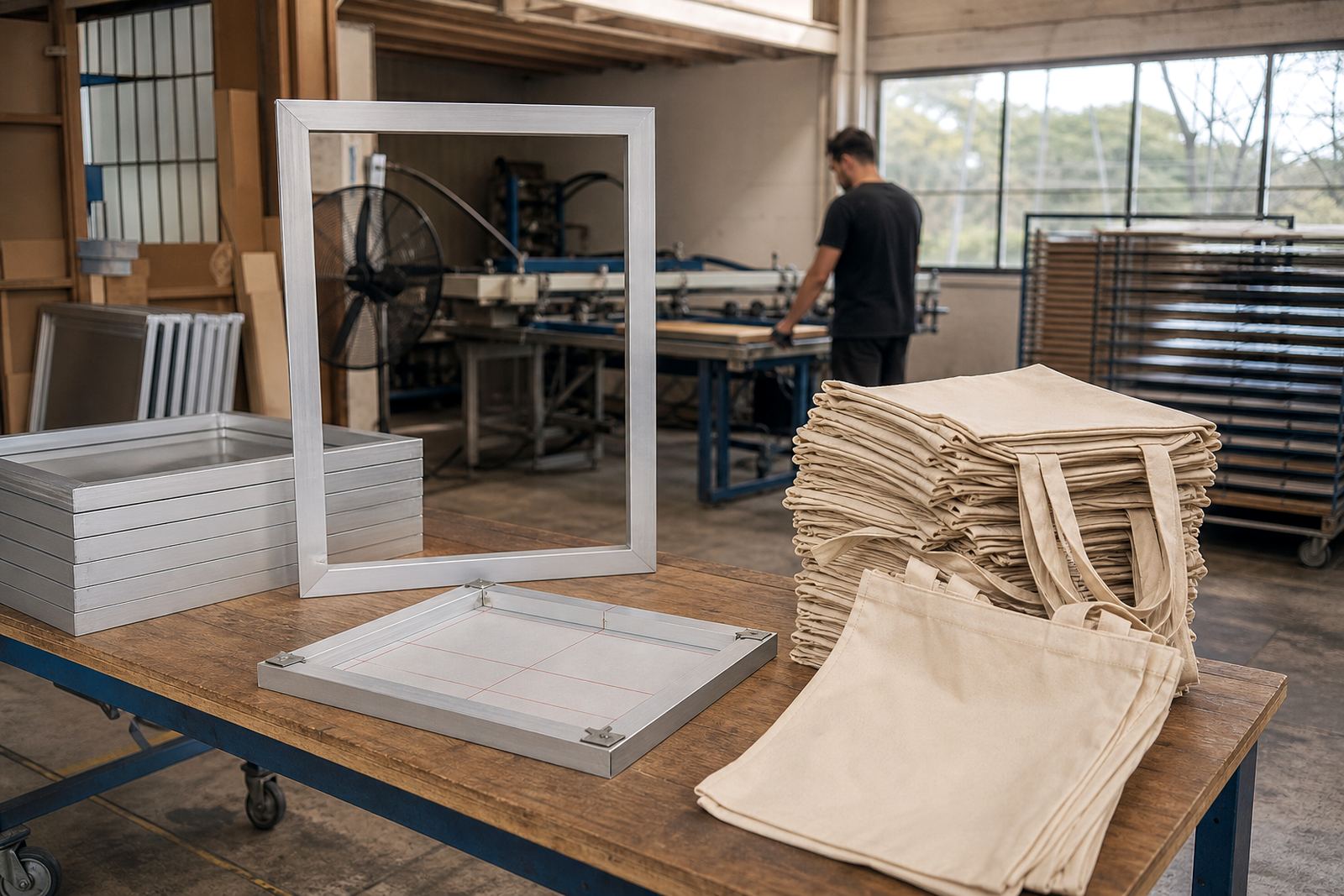
For most tote work, a standard rectangular frame is the best starting point. It gives a clean print area for logos, line art and simple artwork, and it is easier to centre over the bag than an oversized frame. If you are printing smaller shopper bags for promos or retail packaging, a compact frame can be quicker to handle and less tiring over a long run.
- Use a frame that leaves a practical border around the artwork
- Keep enough room to tape off the edges neatly
- Match the frame size to the bag width, not just the logo size
Picking frame size for standard totes and larger carry bags
When choosing a frame for totes, think about the biggest print you need to run, then add enough working space for a clean stencil and stable tension. A frame that is too small forces you to cut the artwork tight, which can make alignment harder and limit your options for future jobs. A frame that is too large can feel clumsy on a small press or table, and on a busy day that slows everything down.
For everyday tote bags, many printers work comfortably with frame sizes in the range of 40 x 50 cm to 50 x 60 cm, depending on the artwork and press setup. If you are handling larger conference totes, beach bags or heavier retail bags, a wider frame gives you more room for centre placement and repeat use across different jobs.
- Small logos: a mid-size frame is usually enough and easier to handle
- Large front prints: choose a frame with extra margin for registration marks
- Mixed work: keep one or two standard sizes for faster setup
How frame depth affects print pressure and ink control
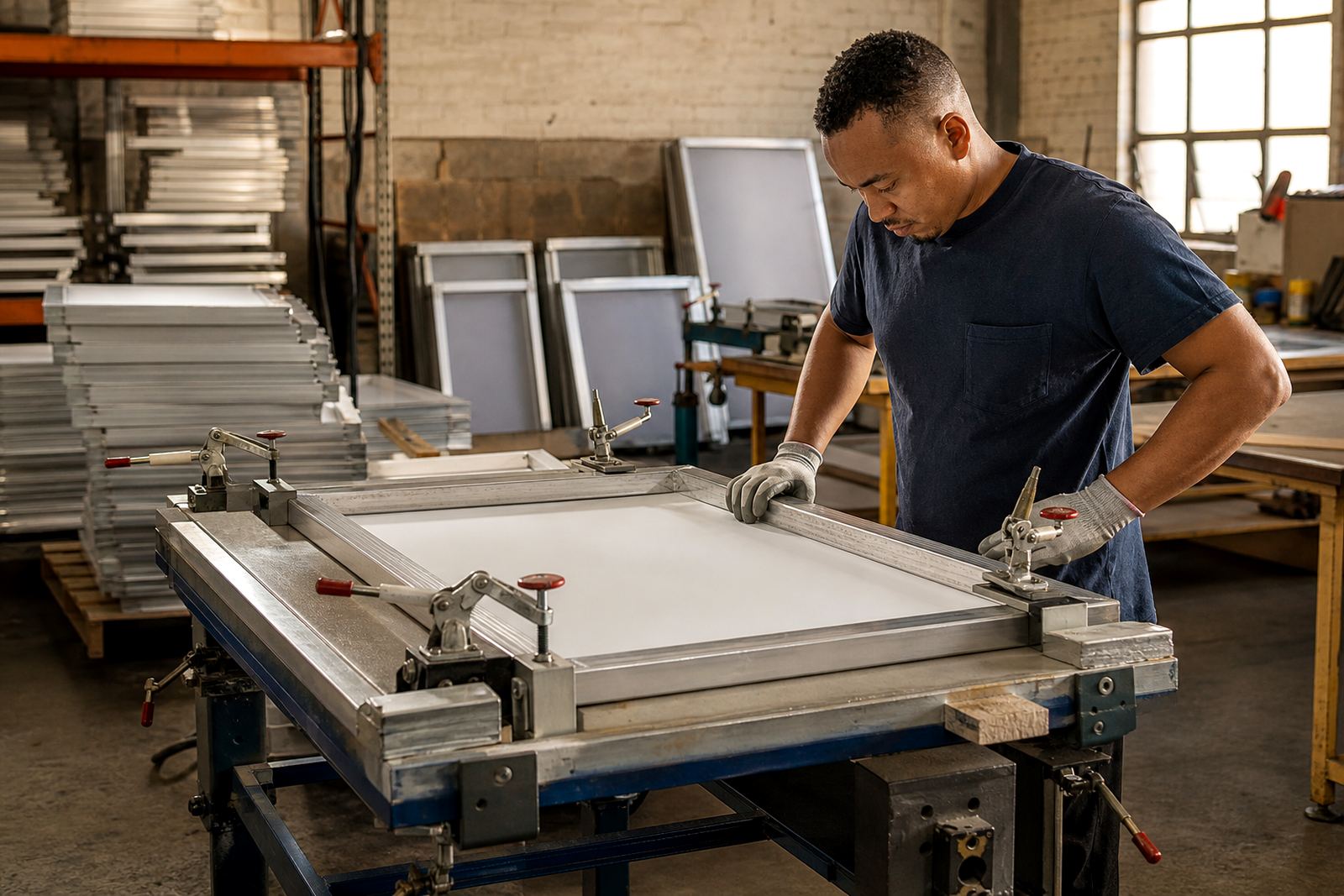
Frame depth is easy to overlook, but it matters when you are printing on textured bag fabric. A well made aluminium frame stays stable under tension and helps the mesh sit evenly, which means less bouncing when you pull the squeegee. That makes a difference on heavy canvas, where uneven pressure can leave patchy ink coverage or a faint edge on the print.
Shallower frames can be useful for lighter work and quicker handling, while deeper frames are often better when you want extra stiffness for repeated printing. If the frame flexes, the print can shift slightly when you lift the squeegee, and that is where alignment problems start. On tote jobs, especially repeat orders, stable tension is worth more than saving a few Rand on a weaker frame.
- Stable frame tension helps keep the image sharp on coarse weave fabric
- Better frame stiffness reduces movement during longer print runs
- Consistent pressure helps avoid heavy ink at the edges
Registration made easier on awkward bag positions
Tote bags often sit at a slight angle because of handles, seams or the way the operator lays them down. A frame that is the right size makes it easier to line up the print area with the bag centre, and that saves time when you are setting up a batch. If the frame is too large, it can crowd your view of the platen or table edge. If it is too small, you may have too little room to see the artwork properly before the pull.
Good registration is not only about the artwork marks. It is also about being able to see the bag edges, judge the centre line, and keep each tote in the same position. In busy workshops in Maitland, or during deliveries to Johannesburg and Durban, printers often want frames that make repeat setup simple so staff can keep moving without checking every bag twice.
- Leave clear sight lines to the bag edges and centre point
- Use frame size to support quick placement and repeat positioning
- Keep the print area easy to tape and reclaim after the run
A local Cape Town example from a tote run
A Cape Town printer doing branded canvas totes for a market in Woodstock may start with a medium rectangular frame because the artwork is a simple one colour logo. The same frame can be used for a small batch of event bags in Bellville the following week, which keeps the workshop moving and avoids changing tools for every order. If the printer later takes a larger order for a retail client in Pretoria, a second larger frame can cover the wider print area without upsetting the first setup.
This kind of choice matters when lead times are tight and the weather is not helping. Coastal humidity can affect drying and handling, while load-shedding means you want a setup that is quick to use and easy to store. A practical frame size helps reduce wasted mesh, wasted ink and wasted time, which is important when a job has to go out with pickup and return arranged from the workshop.
- One medium frame can cover many everyday tote jobs
- A second larger frame helps when the artwork grows
- Simple setups save time when orders arrive close together
When to restretch, clean or replace tote frames
If your tote prints have started to lose sharpness, the frame may be part of the problem. Mesh that has slackened, adhesive that is failing, or a frame that no longer sits square can all affect the finish. Before replacing everything, check whether the frame needs cleaning, mesh removal, a fresh stretch or a proper tension check. That can often put a working frame back into service and keep costs down.
For printers with bulk tote orders, it also helps to inspect frames before a run starts rather than halfway through. A quick check for warping, loose corners or adhesive failure can prevent a stop-start day. If a frame is past its best, replacing it sooner is usually cheaper than losing a full batch of bags.
- Check tension before each long run
- Clean frames after adhesive build-up or ink residue
- Replace worn frames before they start affecting repeat work