
Start With the Tote Size and Print Area
Before you stretch a screen, measure the tote bag flat and decide exactly where the artwork must sit. A common mistake is setting the print too low or too close to the side seam, which can cause the bag to twist under the screen. For cotton carry bags, a print area of about 220 mm to 280 mm wide is often practical, but the final size should match the bag width and the artwork layout.
Use the same measuring method every time. Mark the top edge, centre line and side margins on your print table or platen so each bag lands in the same spot. If you run orders for retail promotions, school events or market stock, consistent placement saves time and keeps the job looking neat.
- Measure the bag flat, not while it is hanging.
- Allow space for side seams and handles.
- Keep a fixed centre point for repeat orders.
- Test one bag before the full run starts.
Choose a Frame That Matches the Job
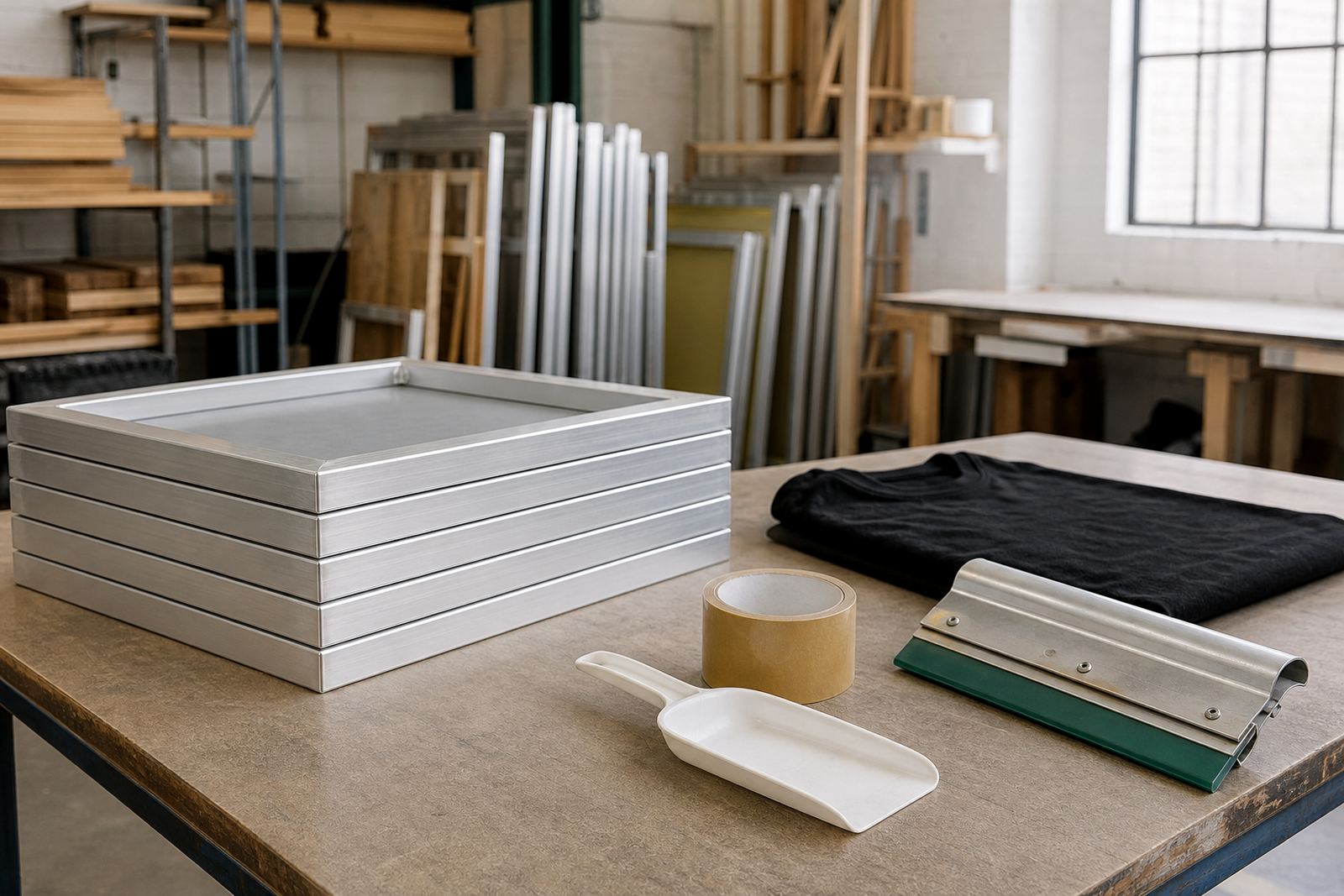
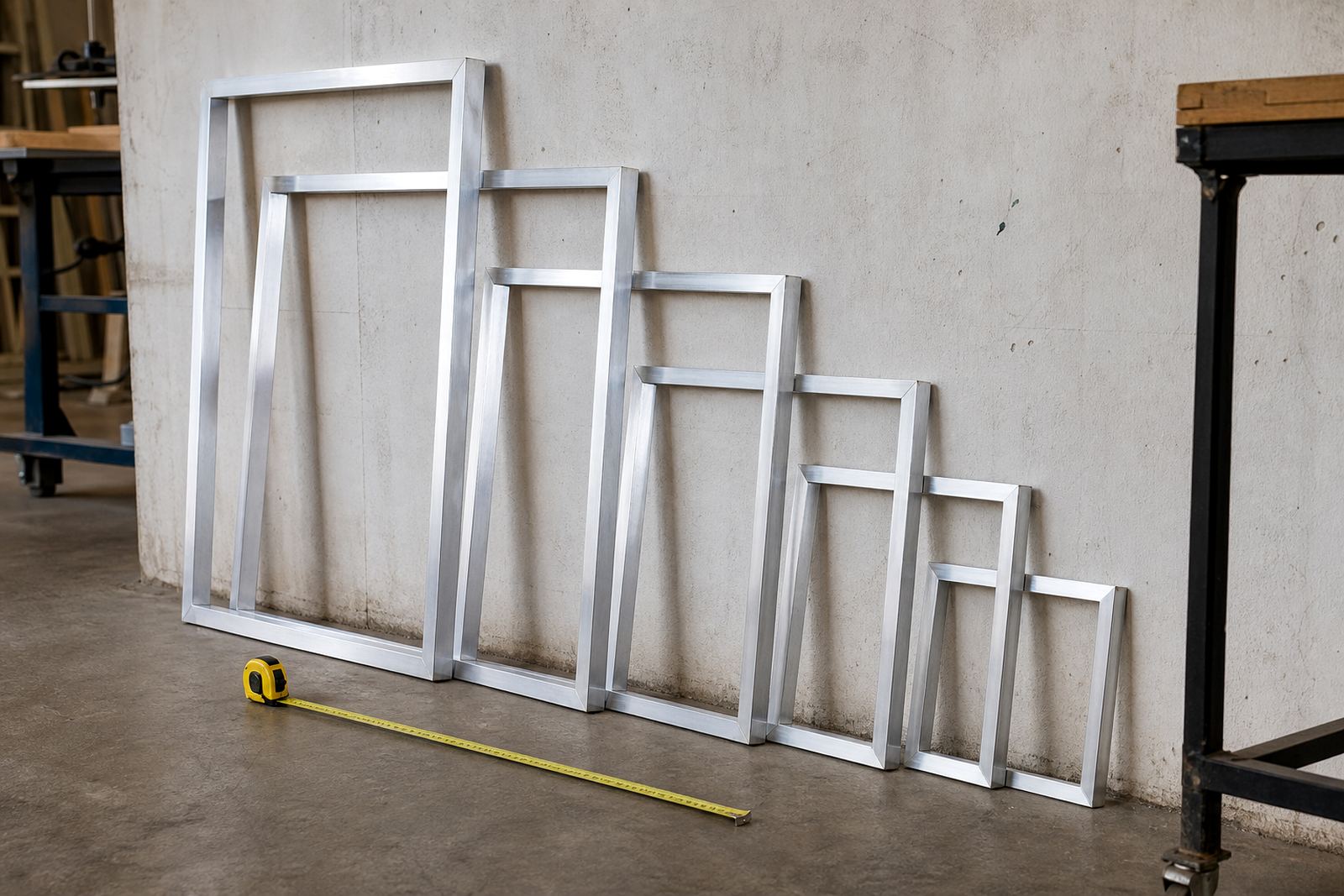
The frame needs to stay rigid while you pull ink across the mesh. For tote printing, an aluminium frame gives good strength without unnecessary weight, which helps when you are doing long runs in a warm workshop. A frame that is too small can limit your artwork, while one that is too large may be awkward on a compact print table.
If you work in Cape Town, Durban or any coastal area, proper drying and storage matter because humidity can affect mesh tension and adhesive performance. In inland areas like Johannesburg or Pretoria, dust and heat can still create trouble if screens are left open in the workshop. ScreenFrame supplies new stretching and restretching for standard and custom sizes, so you can match the frame to the garment and the setup you use.
- Pick a frame size that fits the artwork with margin for registration marks.
- Check that the frame sits flat on the table without rocking.
- Use a frame size that suits your press or manual setup.
- Inspect corners and joints before each job.
Mesh Tension and Image Sharpness
Good tension helps ink release cleanly and gives a sharper edge on lettering, logos and fine lines. If the mesh is slack, the print can blur or flood at the edges. If it is overstretched, the screen may wear out sooner and the stencil can become hard to control. For tote work, a balanced tension gives better detail and more even pressure across the full print area.
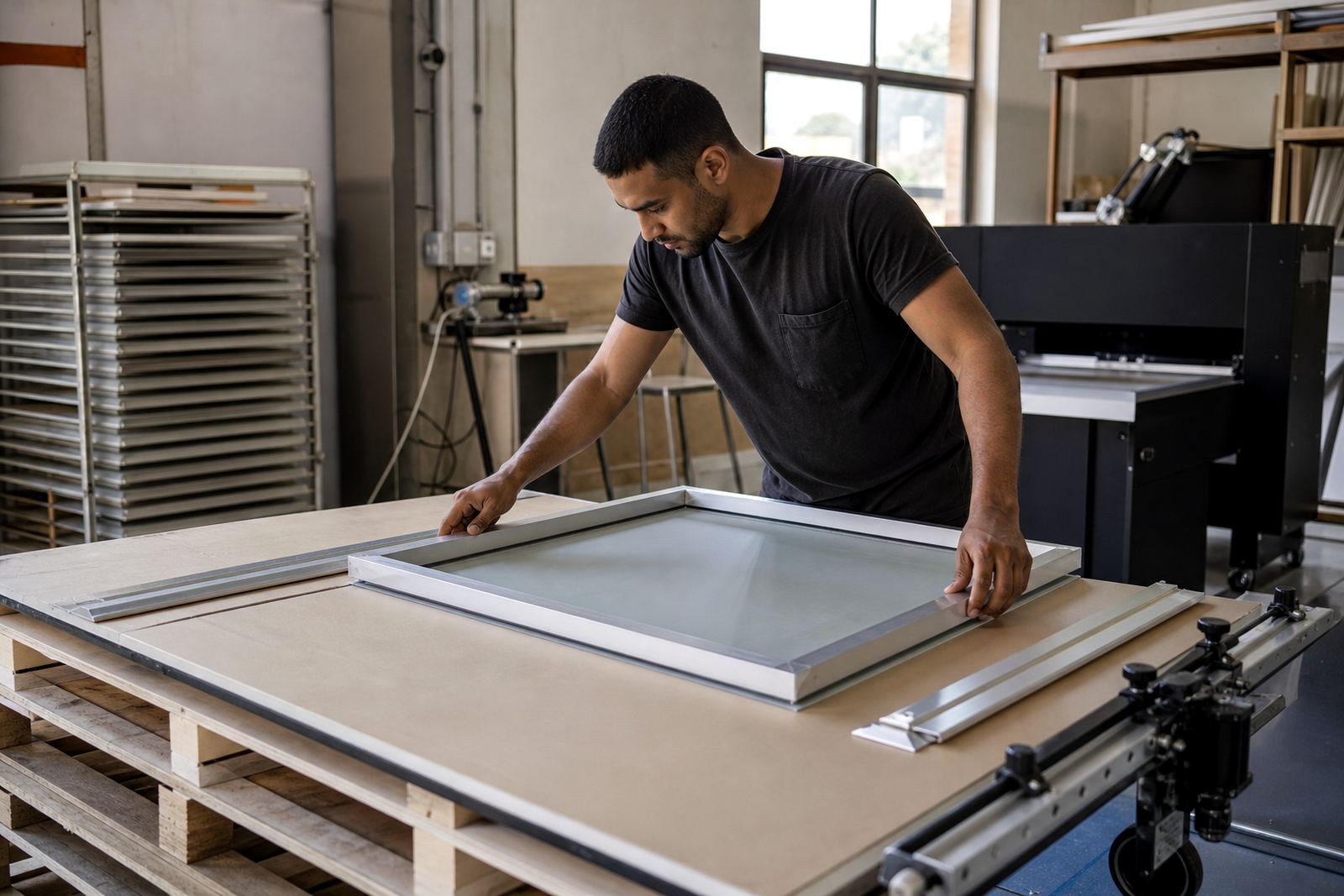
Before starting a run, check the screen under light and run your hand lightly over the mesh. If you feel a loose area or see uneven pull, the frame should be inspected. New stretching, restretching existing frames, mesh removal and adhesive application all help keep screens ready for regular garment work. A quick tension check is cheaper than reprinting a damaged batch later.
- Look for uneven mesh pull from corner to corner.
- Check for scuffed edges near the print zone.
- Replace or clean damaged adhesive before the next stretch.
- Keep one spare screen ready for urgent turnarounds.
Prep the Tote Before the First Pull
Most bad tote prints start before the ink touches the bag. Make sure the fabric is clean, dry and free from loose fibres. If the bag has been folded tightly in transit, give it a quick shake and lay it flat under a clean platen. Some tote bags shrink slightly after washing, so if the final customer will wash them, it helps to test one sample first.
Set the bag straight by aligning the top seam and side edges with your guide marks. If you are printing near a handle, tuck the handles out of the way so they do not catch the screen or drag ink across the artwork. A simple pre-check takes less than a minute and can save a full run from going off-centre.
- Check for dust, lint and creases.
- Align the seam with your centre mark.
- Keep handles clear of the print zone.
- Confirm the bag sits flat before flooding the screen.
Set Up for Repeat Runs and Bulk Orders
When you are handling bulk tote orders, the goal is to move quickly without losing placement. Keep one sample bag as your master reference and compare every few prints against it. Mark the platen stops clearly, and if the artwork has multiple colours, keep your registration stable from the first print to the last. A rushed setup often leads to wasted ink and extra cleaning time.
For larger jobs, it helps to separate work into stages: prep, first print, flash or dry, second colour and final stack. This keeps the workflow steady and makes it easier to spot faults early. ScreenFrame handles bulk screen orders and urgent turnarounds for printers working across South Africa, including Johannesburg, Durban, Pretoria and Gqeberha. Pickup and return arrangements can also help when the workshop is under pressure.
- Use one master sample to compare print placement.
- Keep platen stops fixed for the full order.
- Split multi-colour jobs into clear stages.
- Inspect every tenth print if the run is long.
Care Tips After Printing
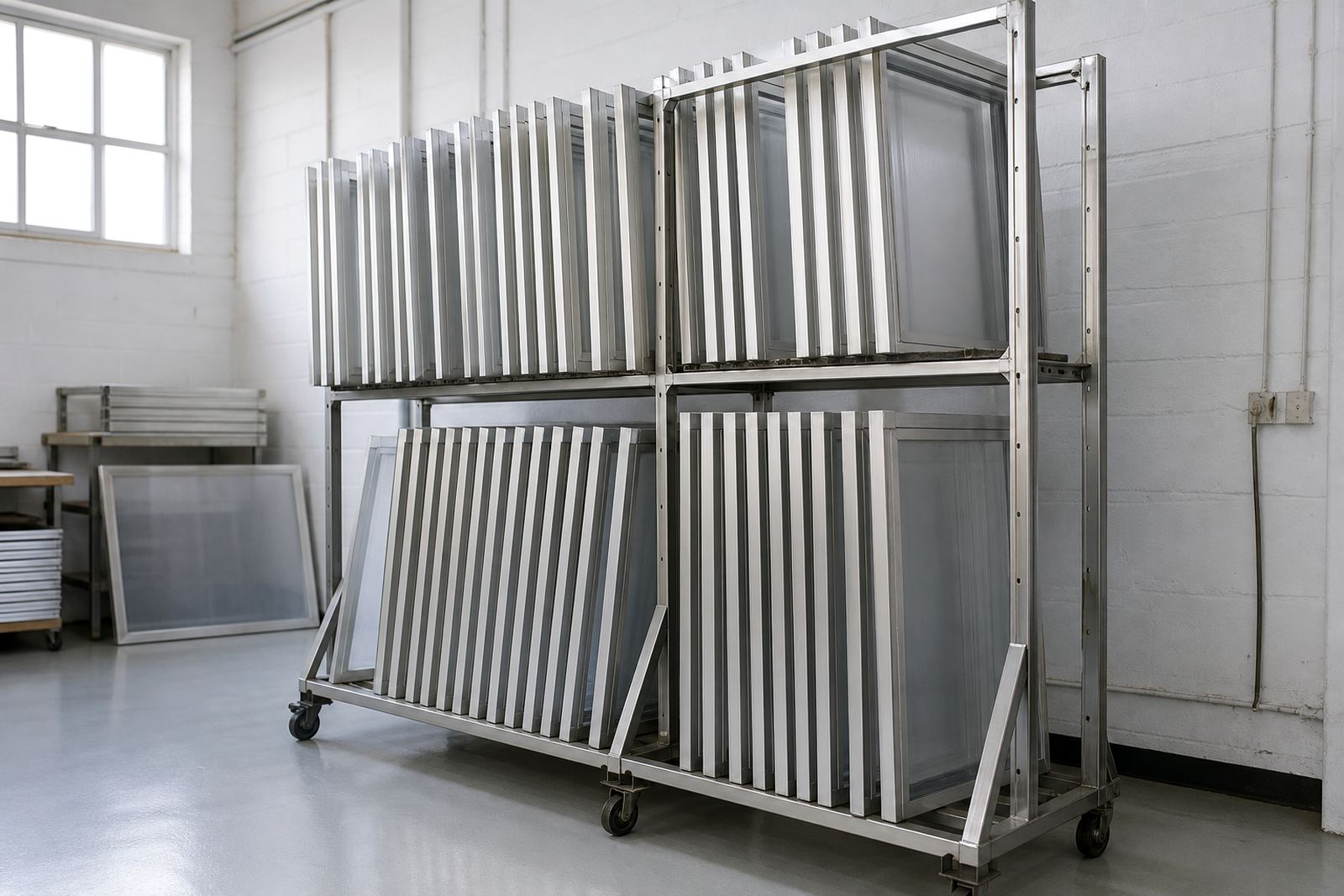
Once the job is complete, clean the screen properly and remove any ink build-up before it dries. Screen cleaning, mesh removal and frame inspections help extend the life of your setup, especially when you are running regular tote and garment work. Store screens flat or upright in a dry space, away from direct sun and heavy dust. In coastal areas, moisture can creep in overnight, so do not leave screens in open areas or near damp walls.
If you want steadier results over time, treat every screen as part of the workflow not just a tool. Check the frame after busy weeks, note any looseness and replace worn parts early. Small maintenance habits keep tote prints cleaner and reduce stoppages when orders stack up.
- Clean ink from the mesh before it hardens.
- Store screens in a dry, shaded area.
- Log any frame damage or tension loss.
- Ask for screen care advice when changing mesh or artwork size.