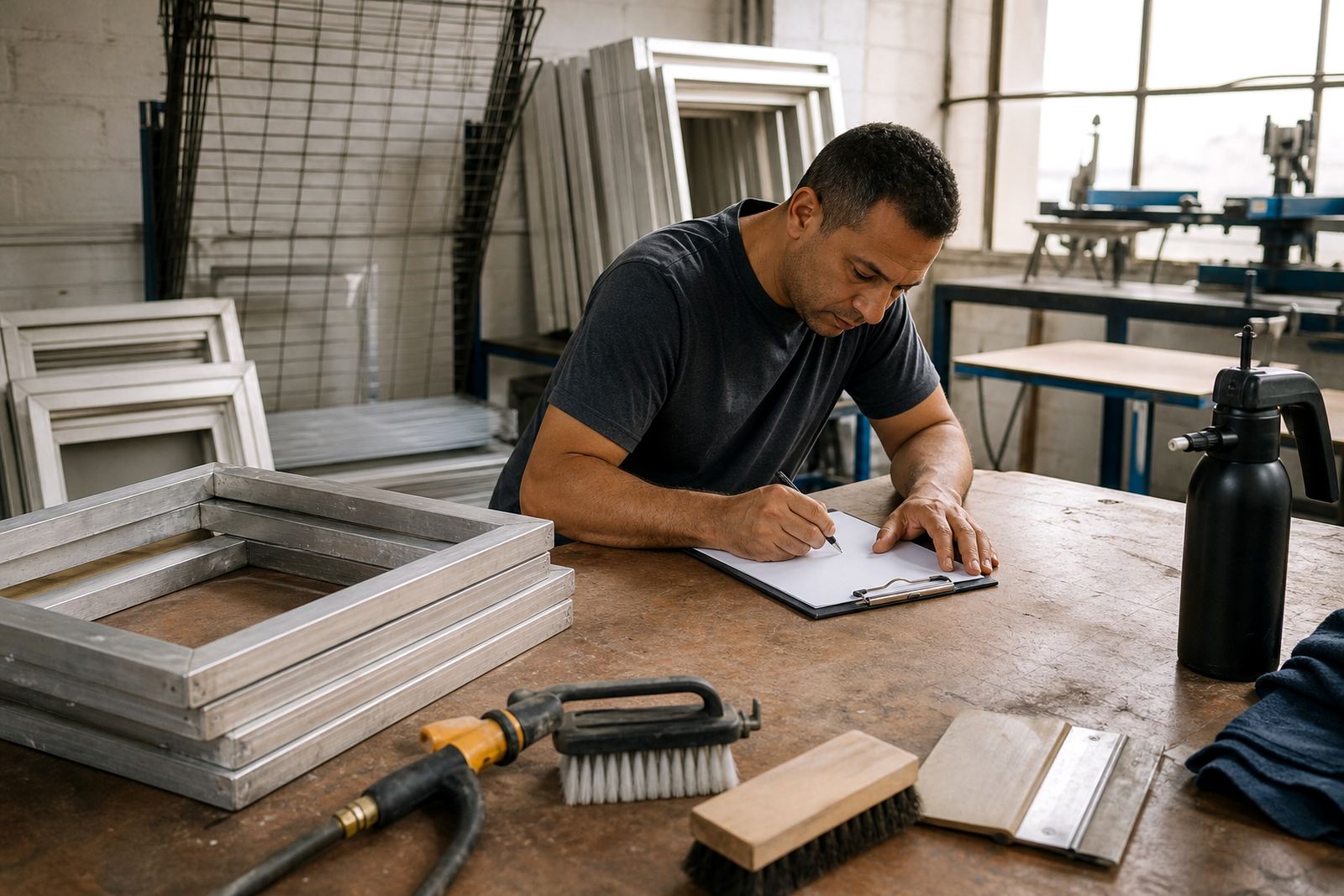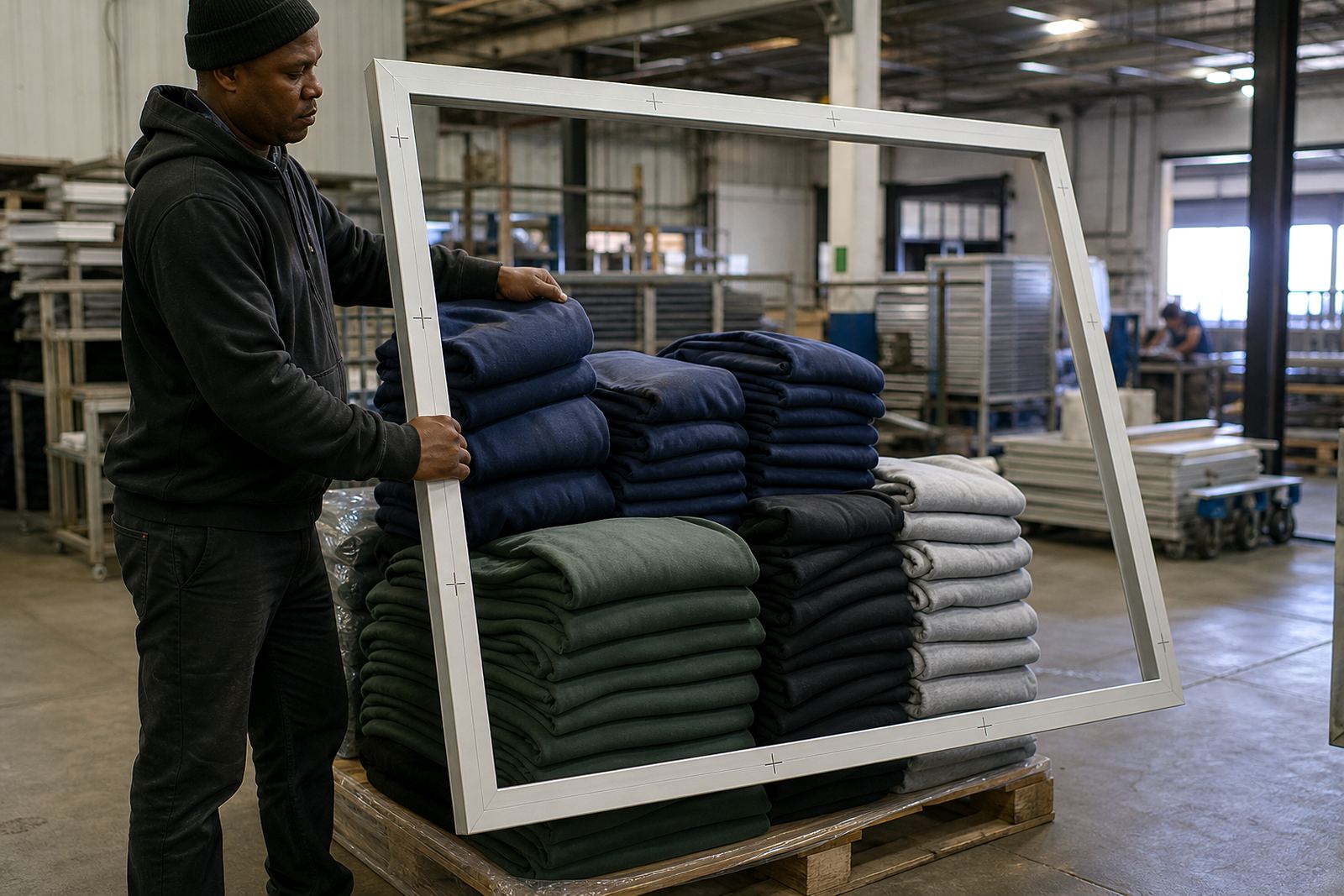

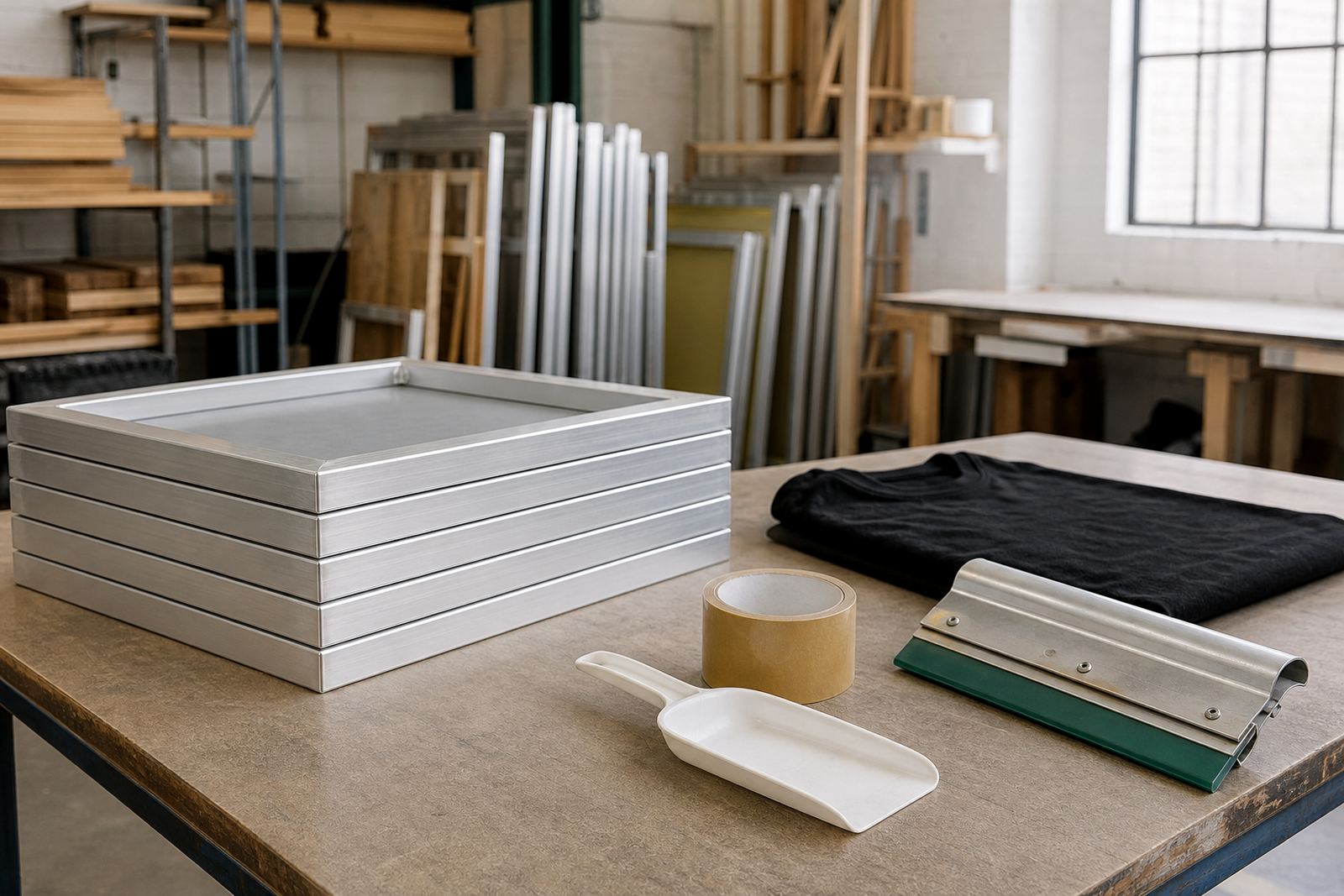
Start with the jobs you want to print first
Before buying anything, decide what you want to print in the first three months. Most new printers in Cape Town, Johannesburg, Durban, Pretoria or Gqeberha begin with t shirts, hoodies, tote bags or workwear. That choice affects your frame size, mesh count and how many screens you need ready at once. If you start with simple one or two colour artwork, you can keep the setup lean and learn the process properly.
For a compact start, do not overbuy. A few well made frames are better than a large stack of weak ones. If you are doing small runs from home or from a shared workshop, choose sizes that fit your press or print table and leave enough space for drying, stacking and cleaning.
- List the garment types you will print most often.
- Count how many colours each design usually needs.
- Measure your printing area before ordering frames.
- Allow space for drying racks and clean screens.
Choose aluminium frames that stay square
Your frame is the base of the print. A straight, rigid aluminium frame helps keep tension even and gives better repeatability from one job to the next. For first time buyers, that matters more than fancy extras. A frame that twists or flexes will cause registration trouble, wasted ink and more rework.
If you are printing in a coastal area like Maitland or working near Durban, aluminium also handles humidity better than many cheaper options. It is easier to clean and less likely to warp when the workshop gets hot. Check that corners are neat, edges are safe to handle and the frame size matches the screen area you really need not just the artwork size.
- Pick a frame size that suits your press and most common artwork.
- Check for straight edges and solid welds or joins.
- Choose a finish that is easy to wipe down after printing.
- Make sure the frame can be restretched later if needed.
Mesh count decides your print quality
Mesh choice changes how much ink passes through the screen and how sharp the print comes out. New printers often want one screen for everything, but that usually leads to poor results. Use a lower mesh count for bold spot colour prints and a finer mesh for detail, halftones or thinner ink deposits.
If you are unsure, ask for help matching the mesh to the artwork and the ink type you plan to use. A basic starter setup often needs at least two or three mesh options, not one. That gives you more control when printing on different fabrics or when a client wants a cleaner finish on a small logo. The right mesh also cuts down on flooding and helps with faster drying in warm weather.
- Use coarse mesh for heavier ink deposits.
- Use finer mesh for detail and smaller text.
- Keep one general purpose screen ready for sample work.
- Match the mesh to the ink and garment type, not only the design.
Buy for screen care, not only screen making
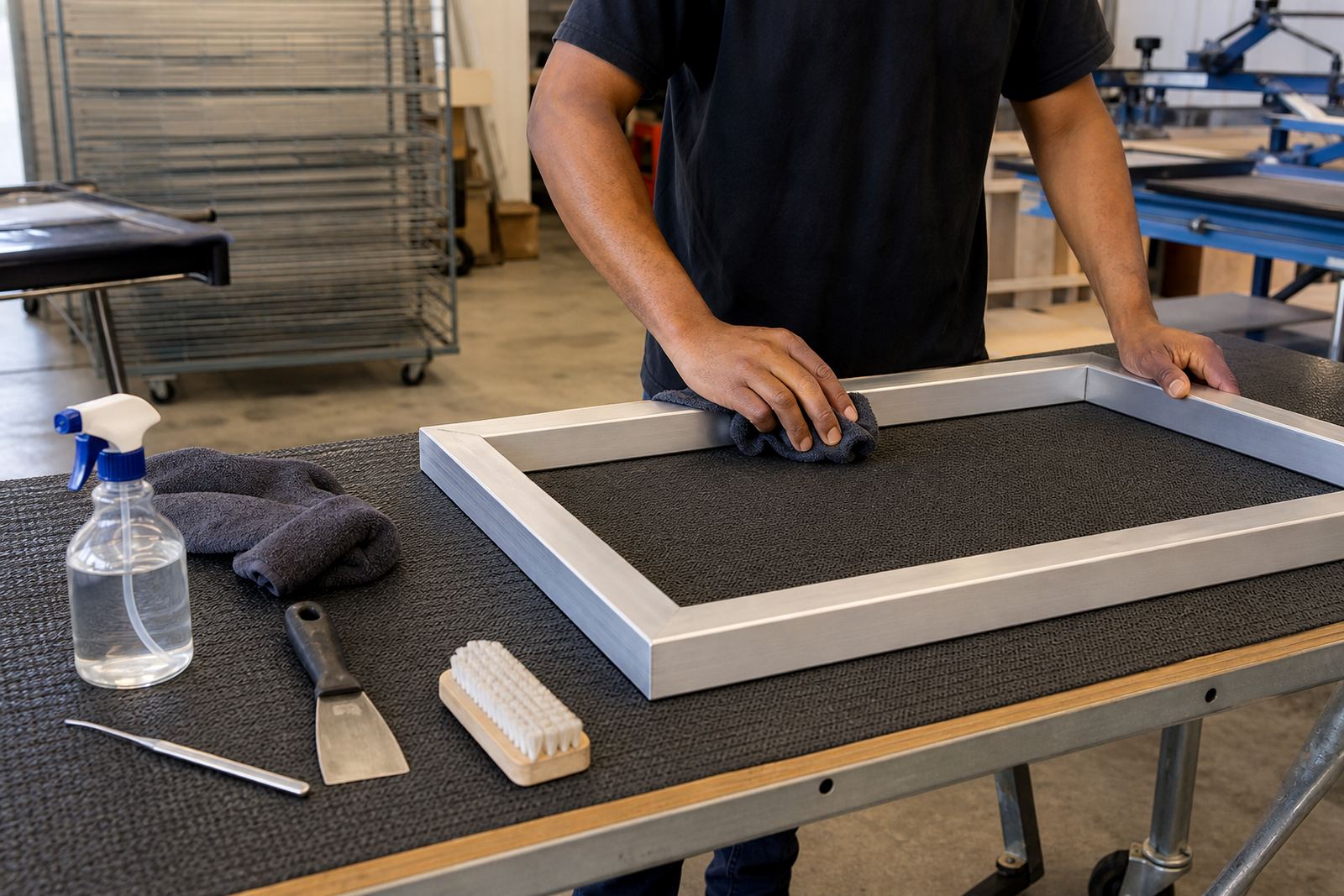
A new printer often thinks only about stretching screens, but screen care matters just as much. If the mesh is not cleaned properly, adhesive residue and ink build up quickly. That affects your next print and shortens the life of the screen. Good habits from the start save money and save time.
Set aside a small cleaning area and keep your workflow simple. You do not need a large kit, but you do need the right basics and a place to work without making a mess. If your workshop has limited water pressure or load-shedding interruptions, plan your cleaning and drying steps so screens are not left wet for long periods.
- Keep screen cleaner, cloths and rinse water close to the wash area.
- Remove old mesh or adhesive residue before reusing a frame.
- Check the frame and mesh after each major job.
- Store clean screens flat or upright in a dry spot.
Plan your first order around volume and turnaround
Starter buyers often undercount how many screens they need. If you only have one or two screens, every colour change slows you down. If you are taking orders from a school event, small brand or local clothing shop, it is better to have enough screens ready for artwork changes and repeat prints. Even a small setup needs some buffer stock.
Think about your turnaround too. If a client wants urgent delivery in Johannesburg or a pickup in Bellville, you may not have time to stretch a screen and print it the same day unless the plan is already in place. Keep one or two spare frames ready for repeat work and ask for pickup and return help if transport is a problem.
- Work out how many screens you need for a typical two or three colour job.
- Keep at least one spare screen for urgent work.
- Separate new orders from repeat jobs so artwork is not mixed up.
- Plan collections and deliveries before the print date.
Use a simple checklist before you place the order
When you are ready to buy, a checklist keeps the process tight. It also helps you avoid paying for sizes or services you do not need yet. The best starter setup is one that is easy to handle, easy to clean and easy to repeat. If your workspace is compact, every item should earn its place.
ScreenFrame works with garment printers across South Africa, including Cape Town, Johannesburg, Durban, Pretoria and Gqeberha. From our Maitland workshop, we handle new screen stretching, restretching, mesh removal, cleaning, adhesive application, tension checks and custom size work. If you are building your first setup, use the checklist below before you send through an enquiry form on our contact page.
- Frame sizes confirmed against your press or table.
- Mesh counts matched to your main artwork types.
- Number of screens calculated for the first month.
- Space set aside for drying, storage and cleaning.
- Collection or delivery route planned for your area.