
Why tension matters on the press
Tension is the pull in the mesh across the frame. If it is too loose, the screen can sag, the stencil can shift and fine detail may blur. If it is too tight for the frame or the job, the mesh can wear fast and the frame may move out of square after a few runs. For garment printers in Cape Town, Johannesburg, Durban, Pretoria and Gqeberha, that balance matters every day because humidity, heat and storage conditions all affect how a screen behaves.
Good tension helps ink release cleanly, keeps off-contact more consistent and makes it easier to hold registration on multi colour work. It also reduces the effort needed on the squeegee, which helps with long runs and repeat jobs. In practice, a well stretched screen gives you steadier prints, less waste and fewer stoppages at the press.
What you can check before a print run
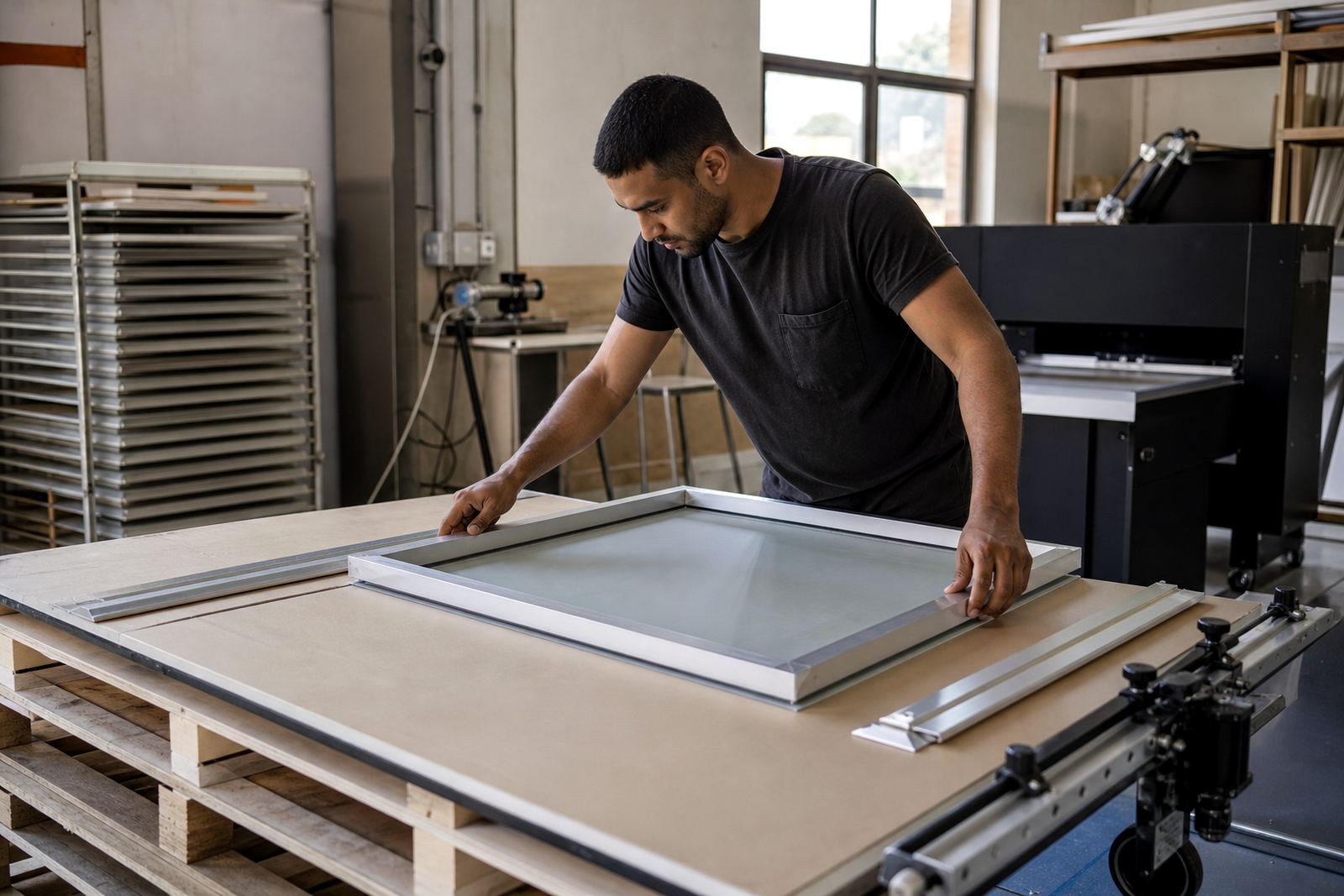
Before you load a screen, give it a quick inspection. A simple check can save you a lot of rework, especially when you are printing through load-shedding shifts or trying to finish a batch before courier collection. Look for obvious frame twists, loose corners, glue failure and any mesh that feels soft in the middle.
- Hold the frame up to light and check for sagging in the centre.
- Press gently with a finger in each corner to feel for even rebound.
- Look along the mesh for ripples, frayed strands or glue lift.
- Check that the frame is clean and free of old ink or tape build-up.
- Confirm the stencil edges sit flat without lifting around the image area.
If a screen already feels uneven before you print, it will usually get worse once you start pulling ink. That is when small faults turn into registration problems or patchy coverage.
Signs your screen is losing tension
Some screens fail slowly, so the warning signs can be easy to miss. One common sign is a screen that used to print sharp detail but now gives slightly softer edges. Another is inconsistent ink deposit from one side of the artwork to the other. You may also notice that the squeegee suddenly feels heavier in one pass and lighter in the next.
On longer jobs, tension loss can show up as poor bounce back after the flood stroke, which makes the screen sit on the garment longer than it should. In Durban and other coastal areas, moisture can also change how a screen feels from one day to the next, so it helps to keep a consistent check routine. If the frame has been dropped, stored badly or cleaned with too much force, inspect it before you assume the stencil is the problem.
- Blurry detail on fine text or thin lines
- Uneven print pressure across the image
- More off-contact drag than usual
- Screen edges lifting or moving during setup
- Visible sag in the centre of the mesh
A simple workshop tension check routine
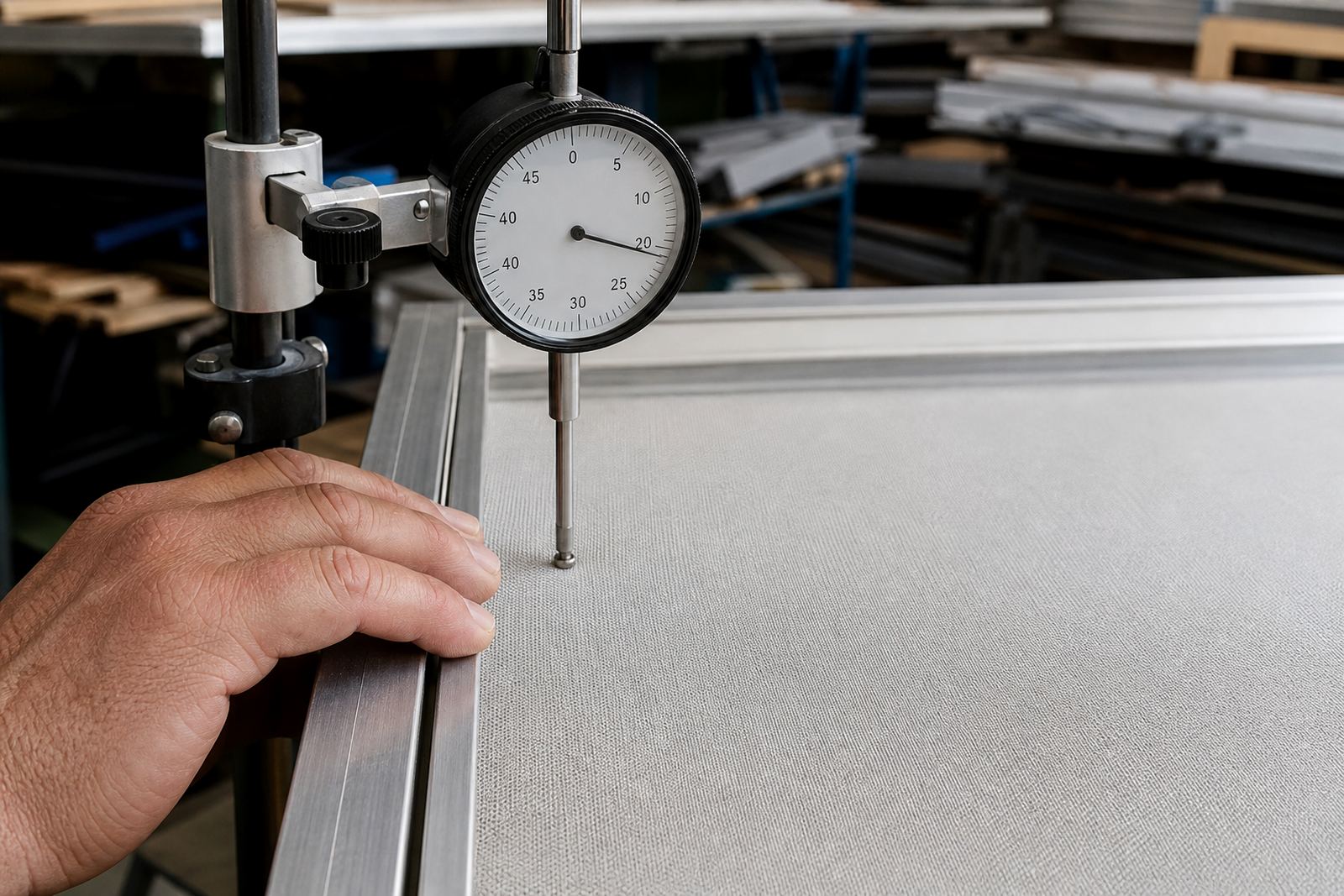
You do not need complicated kit for a practical check. A clear routine helps your team keep screens consistent, whether they are stored in Maitland, collected in Bellville or sent on a delivery route to Pretoria. Start by comparing the screen to one you know is in good condition. Then test the feel in the centre, the corners and the long sides, because weak spots often show up first there.
Use the same steps each time so you can spot change early. If a screen is for halftones, small lettering or a tight registration job, be stricter with the check. A screen that is acceptable for a bold single colour print may still be too soft for fine detail.
- Clean the frame and mesh first so dirt does not affect the feel.
- Check the frame for square and straight sides.
- Test the centre area and compare it with all four corners.
- Note any soft spots, dull sound or visible wave in the mesh.
- Record the screen size, mesh type and job use for future reference.
When to restretch instead of pushing the screen further
Restretching is usually the better choice when the frame is still sound but the mesh has lost usable tension. That is common after repeated runs, harsh cleaning or long storage in a hot workshop. It is also worth restretching when you want to bring an old frame back into use for repeat orders rather than buying more frames than you need.
If the frame itself is bent, swollen, cracked or badly out of square, a new stretch may not solve the problem. The same applies if the glue line has failed over a large area or the frame has been damaged during transport. In those cases, inspect the whole unit before you send it back into production.
For South African garment printers, timing matters. A screen that is slightly loose today can become a problem by the time the next order comes in, especially if it is stored through summer heat or coastal damp. It is often better to fix it early than lose a run later.
How to keep tension steadier for longer
Good screen care starts after printing, not only before it. Clean the mesh properly, dry it fully and store the frame flat or in a controlled position so it does not twist. Avoid stacking heavy items on top of screens and keep them out of areas where water, dust or direct sun can affect the frame. In Cape Town workshops near the coast, that extra care matters because humidity and salt air can shorten the life of a screen if it is left wet too long.
It also helps to assign screens by use. Keep your finer work screens apart from general runs so they are not handled roughly or used for jobs they were never stretched for. A tidy storage system reduces damage and makes inspections faster when orders come in quickly.
- Wash out ink as soon as practical after the run.
- Dry screens fully before stacking or storing.
- Avoid pressure points from clamps, pallets or loose tools.
- Keep a note of which screen was used for which job.
- Schedule checks before busy production days.