
Start With the Hoodie Artwork Size
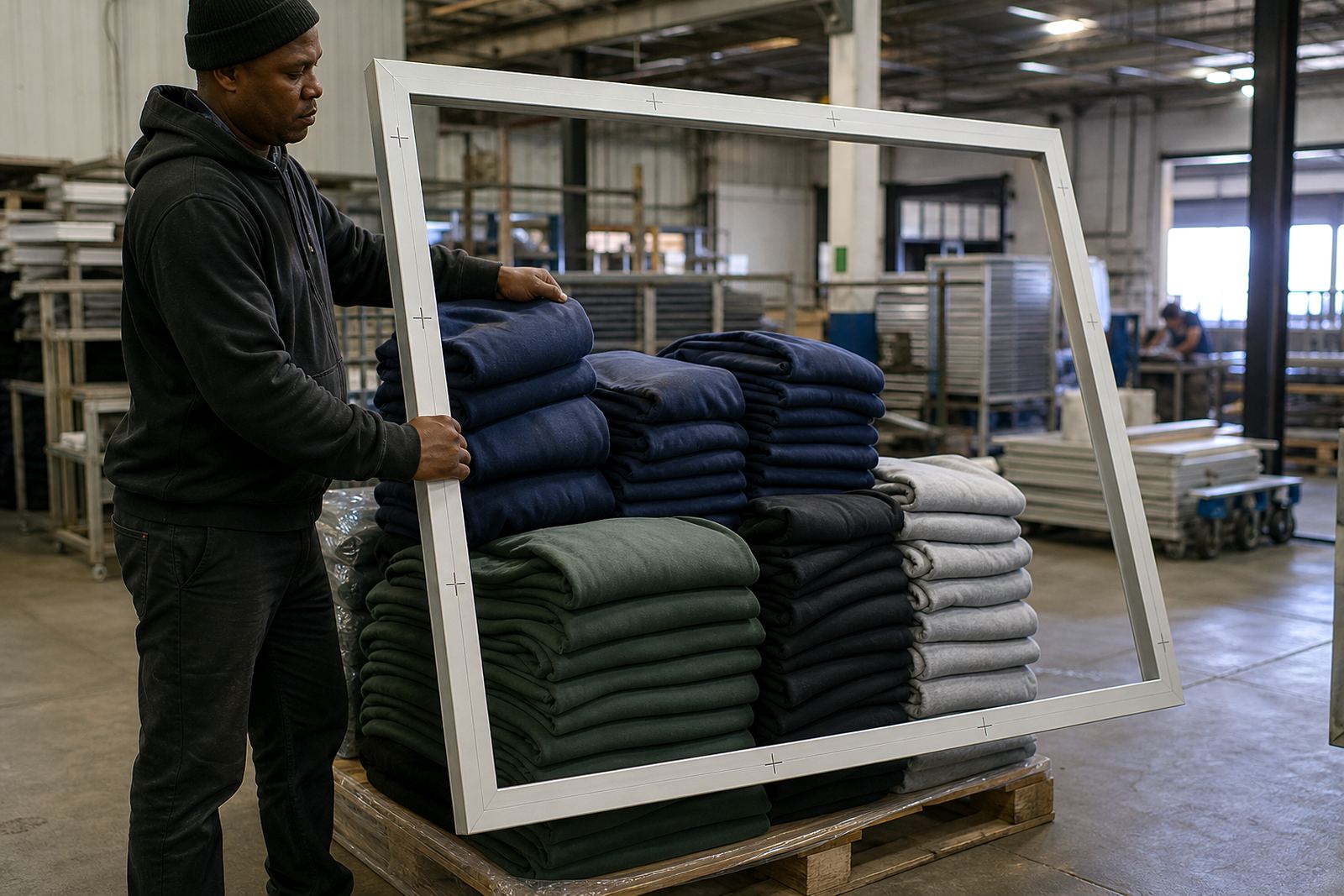
For hoodies, the first step is to measure the final print area on the actual garment, not just the artwork on screen. A chest print on a small hoodie may sit comfortably at 280 mm wide, while a larger front graphic can move up to 320 mm or more if the design and garment size allow it. Always allow for pockets, drawstrings and the natural rise of the hoodie front.
When a design is being printed across a bigger area, the screen must give you enough clearance around the image for clean registration and easy wiping. If the frame is too small, you end up fighting the edges and losing consistency during long runs. That matters even more when you are printing hoodies for winter orders in Cape Town or Johannesburg, where garment thickness and layered seams can change how the fabric sits on the press.
- Measure print width and height on the garment size you will print most often.
- Check for seams, pouch pockets, zips and drawcords before setting the artwork.
- Leave extra room around the image for alignment and squeegee travel.
Choose a Frame Profile That Holds Tension Properly
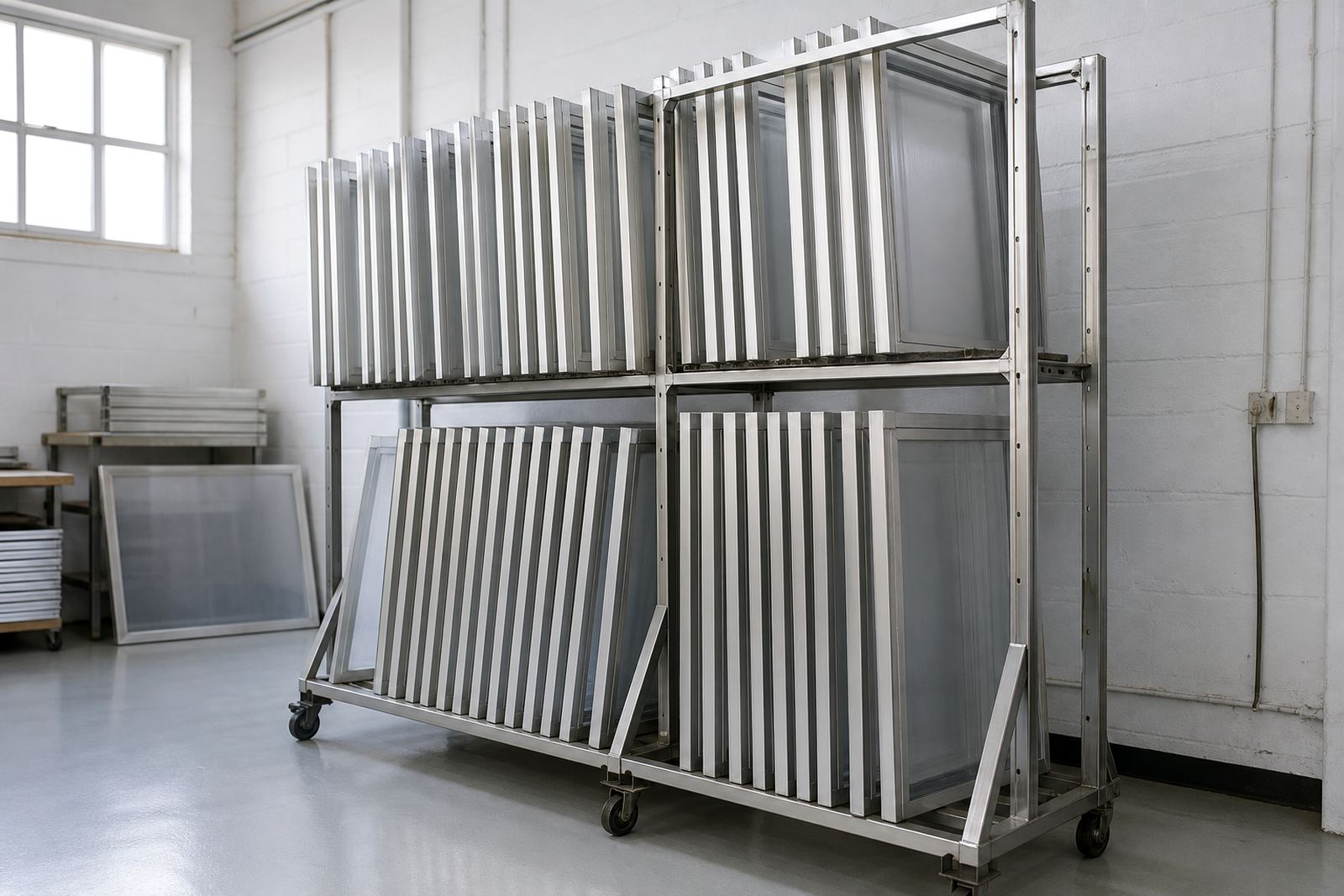
Large hoodie graphics need a frame that stays stable under repeated pulls. Aluminium frames are a practical choice because they resist twisting better than softer materials and suit repeated use in busy printrooms. A solid profile helps hold tension in the mesh, which keeps detail sharp and reduces bounce when printing heavier inks or multiple colours.
If you are running frequent jobs in humid coastal conditions, such as Durban or Gqeberha, frame strength and proper stretching become even more important. Moisture can affect mesh behaviour and adhesive performance, so a well-made frame helps keep your screens consistent from one shift to the next. For shops in Maitland or Bellville working through load-shedding, stable frames also make setup quicker when time is tight.
- Use a frame profile suited to the screen size and the number of repeats you print.
- Check that corners are square and the frame sits flat on the press.
- For long runs, prioritise tension retention over saving a few rand on the frame.
Set Mesh Count for Bigger Print Areas
Hoodie work often needs a balance between detail and ink deposit. Fine artwork may need a tighter mesh, while bold prints, large blocks of colour and underbase work often need a mesh that lets enough ink through without flooding the garment. The right choice depends on the artwork style, ink type and how much coverage you need on fleece or brushed cotton.
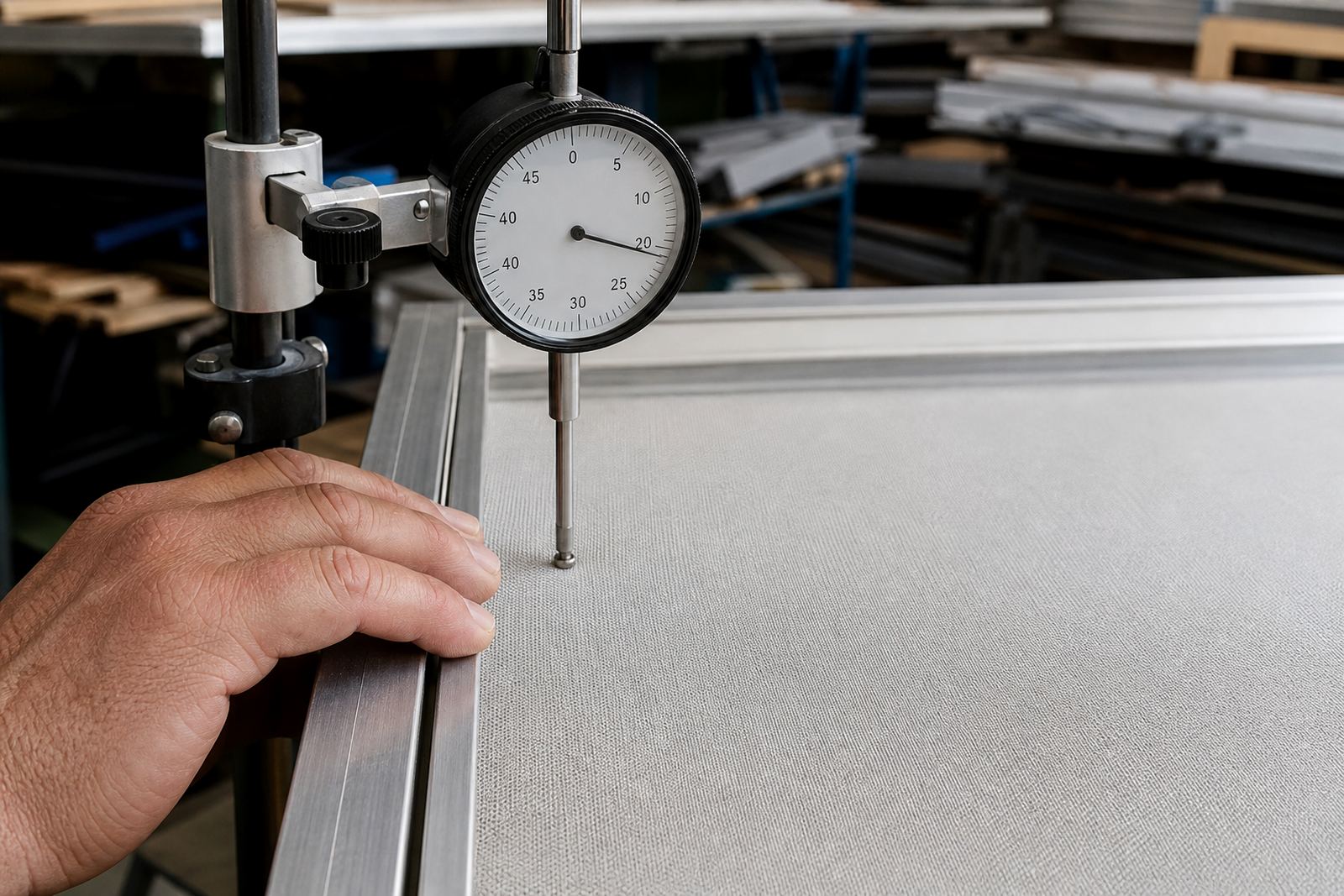
For larger runs, consistency matters more than chasing a perfect-looking single sample. A mesh that stretches evenly across the frame will give more reliable results from the first print to the last. If the mesh is uneven, you may see soft edges, poor opacity, or small shifts in registration during the run. That is where proper tension checks before printing can save a lot of waste.
- Use tighter mesh for fine detail and halftones.
- Use a more open mesh for bold fills and heavy ink deposit.
- Check tension before every major run, especially after storage or transport.
Plan the Screen Size Around the Press and the Garment
A good hoodie print setup is not only about the artwork size. The screen must fit your press and leave enough working space around the platen so the printer can flood, print and lift without hitting the garment edges. If you are doing oversized graphics, make sure the frame gives enough room for manual placement and repeatable alignment.
For shops handling mixed orders across Cape Town, Pretoria and Johannesburg, it helps to standardise on a few screen sizes that cover most hoodie jobs. That makes restretching and reusing frames simpler, and it keeps storage neater too. If your screen is too small for the job, you will waste time repositioning. If it is much larger than needed, handling becomes awkward and the screen can be harder to manage in a tight workshop.
- Match the screen size to the largest artwork you print regularly.
- Leave practical margins for clamps, off contact and easy handling.
- Keep a standard set of sizes for repeat hoodie jobs and bulk orders.
Prepare the Frame for Longer Runs
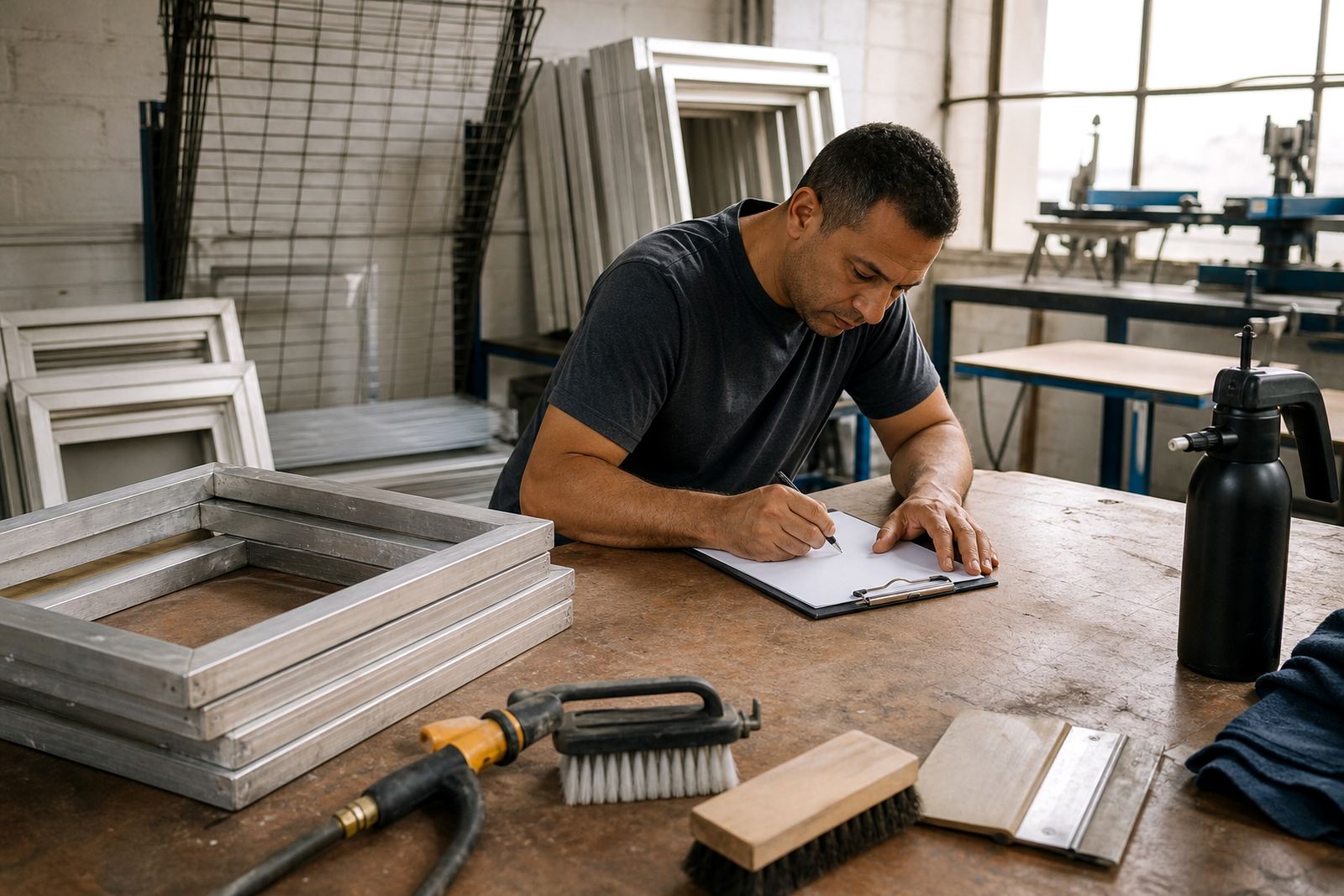
Before a run starts, check the frame for old adhesive, ink residue and any signs of warping. Clean edges help the mesh sit evenly and make reclaiming easier after the job. If you are reusing a frame, the previous stretch should be removed fully so the new mesh bonds properly. A quick inspection can catch small bends or loose corners before they turn into print faults mid run.
For larger hoodie orders, a little prep goes a long way. Screen stretching, mesh removal and adhesive application all need to be done neatly if you want a frame that will hold up through repeated use. In busy seasons, especially before winter promotions or matric hoodie orders, having spare screens ready can keep production moving when one frame needs attention.
- Inspect the frame before every stretch or restretch.
- Remove old mesh, ink and adhesive build-up fully.
- Keep spare screens ready for urgent turnarounds and bulk orders.
Use a Simple Hoodie Printing Checklist Before Production
A short checklist can prevent wasted garments and save time on the press. It also helps when different people handle the same order, which is common in workshops with shifting production schedules. Keep the process practical and repeatable, from the first screen inspection through to the final print.
ScreenFrame works with garment printers from Maitland to Gqeberha, and the same basics apply everywhere: correct size, proper tension, clean frame, and enough clearance for the garment. Whether you are printing a few hoodies for a local club or a large retail order, these checks help keep the run steady and the finish tidy.
- Artwork measured against the actual hoodie size.
- Frame inspected, cleaned and square.
- Mesh chosen for detail and ink coverage.
- Tension checked before setup.
- Clearance confirmed for pockets, zips and drawcords.
- Spare screens ready if the run is large or urgent.